Accounting
8 best transaction matching software (2026)
Written by

Raniz Bordoloi, Head of Marketing
{
"@context": "https://schema.org",
"@type": "FAQPage",
"mainEntity": [
{
"@type": "Question",
"name": "What is a journal entry in the context of automation?",
"acceptedAnswer": {
"@type": "Answer",
"text": "A journal entry is a debit-credit record posted to the general ledger that reflects an accounting event, whether recurring, accrual, adjusting, reversing, intercompany, or allocation. Automation targets the preparation, validation, approval, and posting of these entries, not the underlying accounting judgment."
}
},
{
"@type": "Question",
"name": "What is the cost of manual journal entry processes?",
"acceptedAnswer": {
"@type": "Answer",
"text": "Manual journal entry processes typically cost preparers 20-40 hours per close cycle, add 1-3 extra days from rework and revisions, and introduce error rates of 3-8% on keyed entries. Audit findings tied to weak evidence and inconsistent approvals compound the problem. At multi-entity scale, teams often lose a full close week to JE prep and review cycles alone."
}
},
{
"@type": "Question",
"name": "What journal entries should you automate first?",
"acceptedAnswer": {
"@type": "Answer",
"text": "Start with recurring, high-volume, rules-based entries that already follow a stable review pattern. Common first candidates are accruals, payroll entries, allocations, cash postings, and routine reversals. Judgment-heavy entries like complex reserves and one-off adjustments can come later."
}
},
{
"@type": "Question",
"name": "Can journal entry automation software post directly to the ERP?",
"acceptedAnswer": {
"@type": "Answer",
"text": "Yes, but posting method and control depth vary significantly by product. Some tools post natively through APIs with full lineage attached. Others use file-based posting for older ERPs, often requiring middleware. Regardless of method, the SOX-safe default is a reviewed human approval gate before anything writes to the GL."
}
},
{
"@type": "Question",
"name": "Do AI journal entry tools work in SOX-controlled environments?",
"acceptedAnswer": {
"@type": "Answer",
"text": "They can, if the tool is built for it. The minimum bar is role-based permissions with segregation of duties, maker-checker approvals before GL posting, immutable audit logs with transaction-level lineage, and deterministic validation on critical calculations. The controls need to be enforced architecturally, not just documented in policy. Ask vendors to show you what the auditor sees, not just what the preparer sees."
}
},
{
"@type": "Question",
"name": "How do you measure ROI on journal entry automation software?",
"acceptedAnswer": {
"@type": "Answer",
"text": "Start with hours removed from manual prep per close cycle, days to close, and the number of late-close exceptions. Then track reviewer touch time and the percentage of entries the platform actually prepares automatically. Factor in error corrections, control issues, and audit evidence effort, plus whether finance can own the system without constant IT involvement. Measure before implementation and again after two full closes to see the real impact."
}
},
{
"@type": "Question",
"name": "How does journal entry automation software handle recurring and reversing entries?",
"acceptedAnswer": {
"@type": "Answer",
"text": "Most tools in this category handle recurring entries well: you configure the template once, set the schedule, and the system executes on cadence. Reversing entries are typically generated automatically from the prior-period accrual, with the reversal date set at posting time. Where tools differ is in what triggers the recurring entry. Rule-based tools execute on a fixed schedule. Agent-prepared tools like Maxima can trigger preparation as source data arrives, so the entry is ready before close week rather than generated during it."
}
},
{
"@type": "Question",
"name": "How does automation handle intercompany journal entries?",
"acceptedAnswer": {
"@type": "Answer",
"text": "Intercompany is one of the harder entry types to automate because it requires matching across entities, enforcing elimination rules, and often reconciling currency differences. Not every tool handles it with the same depth. Prep-focused platforms with multi-entity support can automate intercompany workflows end to end, including matching, elimination entries, and approval routing across entities. Routing-only tools typically manage the approval workflow but leave the preparation to the preparer. Test intercompany with real data in any demo."
}
},
{
"@type": "Question",
"name": "What approval workflow features should journal entry software include?",
"acceptedAnswer": {
"@type": "Answer",
"text": "At minimum: configurable maker-checker controls, role-based permissions that enforce segregation of duties, and an approval gate before any entry posts to the GL. Better implementations add multi-level approval routing by entry type, entity, or materiality threshold, plus automated escalation when approvals are overdue. For SOX environments, the approval record needs to be immutable and attached to the entry permanently, not just logged in a separate system. Ask vendors to show you what the auditor sees, not just what the preparer sees."
}
},
{
"@type": "Question",
"name": "How does journal entry automation improve accuracy?",
"acceptedAnswer": {
"@type": "Answer",
"text": "Manual keying introduces errors at a rate of roughly 3-8% per entry. Automation removes the keying step entirely for rule-based entries and replaces it with validated logic applied consistently every period. Pre-post validation checks catch GL code mismatches, unbalanced entries, and policy violations before they reach the ledger. Agent-prepared tools add another layer: they reason across source transactions rather than applying a fixed formula, which means they can handle variation in source data that would break a rigid rule. The result is higher accuracy on the entries that are hardest to standardize."
}
},
{
"@type": "Question",
"name": "What are the most important features to look for in journal entry automation software?",
"acceptedAnswer": {
"@type": "Answer",
"text": "The features that matter most depend on your bottleneck. If manual prep is the problem, prioritize source system connectivity, automated entry generation, and pre-post validations. If governance is the problem, prioritize approval routing, audit trail depth, and SOX-aligned controls. If close coordination is the problem, prioritize task management, reviewer workflows, and status visibility. The single most useful question to ask any vendor: what percentage of my journal entries will the platform actually prepare, versus route or review? That answer separates the categories faster than any feature checklist."
}
}
]
}
Manual transaction matching works until it doesn't. Once your volume climbs past a few thousand lines a month, your data sources multiply beyond bank feeds, or your close deadlines start compressing, the spreadsheet-and-VLOOKUP approach quietly turns into the biggest bottleneck in your close.
This guide is a practical shortlist for controllers and accounting teams evaluating dedicated matching platforms, close suites, and ERP-native options. We've kept a mix of newer AI-native tools and long-standing enterprise suites so you can see the full range of tradeoffs.
Who this is for: Controllers, accounting managers, and finance leaders who own reconciliations and close automation decisions.
How tools were selected: Products were included based on matching depth, source-system connectivity, controls, and how frequently they show up in real enterprise shortlists.
What the ranking prioritizes: Matching depth and preparation quality first, then controls, then breadth of platform fit.
How to evaluate transaction matching software
Most buyers underestimate how much of the "matching" problem is actually a data ingestion and workflow problem. The engine matters, but if your source data arrives late, in the wrong shape, or through a manual export, no amount of AI will save the close. Evaluate tools on how they handle the full path from source system to reviewed reconciliation, not just the match rate on a demo dataset.
The best transaction matching software solves upstream and downstream problems, not just the middle. Use these five criteria as your baseline filter.
Matching depth: Prioritize this over surface-level automation claims. One-to-one is easy; many-to-many with settlement logic is where tools separate. Rule libraries balloon at scale, and exceptions dominate the queue when the engine can't handle complex settlements and batch deposits natively.
Source ingestion: Evaluate ERP and source-system connectivity first. Direct, continuous feeds from banks, processors, and subledgers are the baseline. CSV exports and stale month-end files push work back into spreadsheets before matching even starts.
Preparation vs. orchestration: Separate tools that prepare accounting work from tools that mainly organize exception handling. If the tool only routes tasks and humans still do the prep, headcount never actually gets freed up.
Controls and audit trail: Check audit trail, approvals, and SOX readiness if reconciliations feed the close. Immutable trails, segregation of duties, and human approval before GL posting are the standard. Bolt-on evidence and manual sign-off screenshots are not.
Fit to volume and entities: Match the tool to your transaction volume, entity count, and exception complexity. Multi-entity, multi-currency environments at high volume expose architectural limits fast. UI lag and non-linear admin overhead are the first signs a tool is hitting its ceiling.
Quick comparison snapshot
Product | Best for | Matching complexity | Control depth | Natural boundary |
Maxima | Enterprise, multi-entity, AI-prepared close | Deep (1:1, 1:M, M:M, 3-way) | SOX-aligned, human approval before GL | Overkill if only need is simple bank rec |
BlackLine | Large enterprise, shared services | Deep, high volume | Mature enterprise governance | Heavier platform footprint |
HighRadius | High-volume AR/AP-heavy environments | Deep, AI-driven | Configurable | Volume story stronger than close-prep story |
FloQast | Existing FloQast users, exception management | Moderate to deep | Close-oriented | Coordination-first heritage |
CCH Tagetik | Enterprise finance with governance needs | Moderate to deep | Strong governance | Broader CPM commitment required |
Trintech Adra Matcher | Mid-market dedicated matching | Moderate to deep | Solid controls | Product-line confusion across Trintech portfolio |
Sage Intacct | Mid-market on Sage stack | Basic to moderate | ERP-native | ERP-native ceiling |
QuickBooks | Small teams, simple bank matching | Basic | Light | Breaks quickly beyond simple 1:1 |
1. Maxima
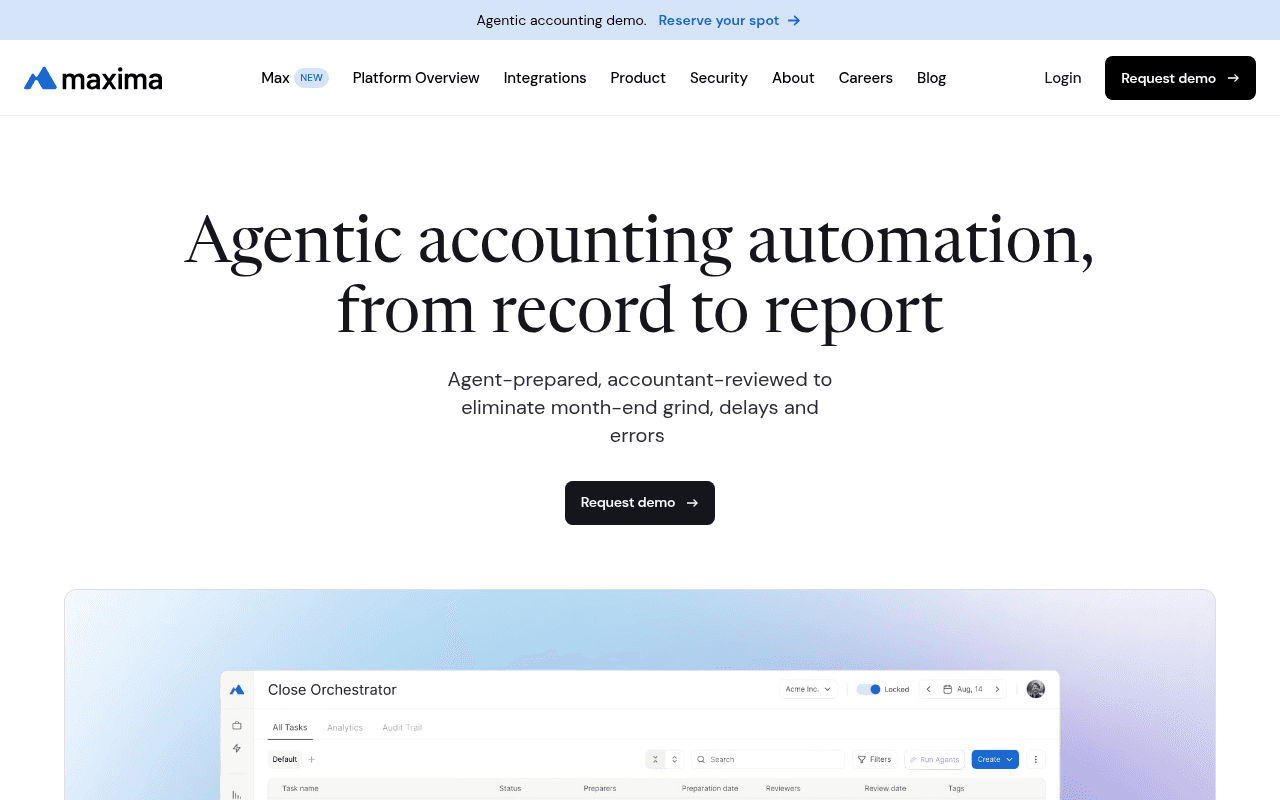
Maxima is an AI-native accounting platform built to prepare the work, not just track it. For transaction matching specifically, agents continuously ingest and normalize data from banks, payment processors, subledgers, and ERPs, then run one-to-one, one-to-many, many-to-many, and three-way matching at the transaction level. What lands in the reviewer's queue is a prepared reconciliation with proposed entries, lineage back to source data, and exceptions already isolated. It's a fit for enterprise accounting teams that want AI to do the preparation layer of the close, with human review and approval before anything hits the GL.
Where it fits best
Maxima earns its shortlist spot when your bottleneck is preparation work, not task coordination. If accountants are still building reconciliations from scratch every month, this is the operating model shift.
Best for enterprise accounting teams running multi-entity, high-volume close workflows.
Strong fit if your bottleneck is bank-to-GL, processor-to-ledger, or intercompany matching at transaction level.
Best when you want AI to prepare reconciliations and reconciling entries, not just surface exceptions.
Matching depth and workflow model
The engine covers the matching shapes most tools handle in demos and the ones they quietly avoid. Many-to-one deposit matching, processor settlement logic, and intercompany matching across entities all run natively.
Supports one-to-one, one-to-many, many-to-many, and three-way matching across GL, subledgers, payment processors, and internal systems.
Continuously ingests and normalizes source data through 100+ native integrations instead of waiting for month-end file assembly.
Carries forward unreconciled items with full lineage and proposes reconciling entries inside a review-first workflow.
Differs from checklist-led close tools by preparing the matching and reconciliation work itself, with agent-prepared outputs and 95%+ auto-match rates in production environments.
Tradeoffs and boundaries
More platform depth than a small team needs if the only use case is simple bank reconciliation.
Best value appears when transaction matching is part of a broader close automation problem including JEs, flux, and subledgers.
Buying process is naturally more rigorous because the product touches core accounting controls and posting workflows.
If your pain is isolated to one narrow reconciliation, a lighter tool fits. If matching is one symptom of a broader preparation problem, Maxima consolidates the work.
ERP, controls, and implementation fit
Deployment sits with finance, not IT. Native connectors handle the plumbing, and finished work posts back into the ERP with source-to-GL linking rather than living beside it as a report.
Native integrations across ERPs, banks, payroll, billing, and spend systems (NetSuite, ADP, Rippling, Brex, Ramp, Tipalti, and more) reduce spreadsheet stitching.
Built-in approvals, segregation of duties, immutable audit trails, and human approval before GL posting suit SOC 1/SOC 2 and SOX environments.
Good fit if finance wants to own deployment and move from preparation work to reviewer workflows in weeks, not quarters.
Pricing is custom enterprise SaaS: a platform fee scaled to business size plus per-module fees based on which workflows you turn on.
2. BlackLine Transaction Matching

BlackLine's transaction matching module is the enterprise standard many controllers benchmarked against for the past decade. It's built for high-volume reconciliation environments where standardization, controls, and repeatability matter as much as raw automation. Public materials cite 99.9% of transactions matched and 70% of manual tasks automated, with Verity AI positioned around workflow support inside the broader close suite.
Where it fits best
Best for large enterprises that already run BlackLine or want a mature close-control environment.
Strong fit for shared services teams processing very large transaction volumes.
Works well when standardization and control matter as much as pure speed.
Matching depth and workflow model
The engine is built for scale and complexity, but the operating model is still "orchestrate the human close" rather than "prepare the work end to end."
Built for multi-source, high-volume transaction matching across complex reconciliation scenarios.
Verity AI reads as workflow and finance automation support; validate exact use-case depth against your specific matching scenarios.
Good option when matching is part of a broader controlled close framework across many entities.
Tradeoffs and boundaries
Not a criticism, but the platform is built like a mature enterprise suite, which can feel heavier than newer AI-native tools.
May be more system than you need if your pain is narrow and isolated to one reconciliation workflow.
Best fit strengthens if you already buy into the wider BlackLine operating model across close, intercompany, and journal entries.
Expect a longer implementation and admin footprint than modern entrants.
ERP, controls, and implementation fit
Pricing is quote-only. Third-party data points suggest median annual contracts around $40,000+ with a wide range based on modules, entities, and users.
Strong governance, auditability, and standardized workflows are major reasons enterprises shortlist it.
Customer examples and ROI claims (BlackLine cites 379% ROI on public pages) help establish maturity, but validate fit by process, not brand.
Ask directly how much admin effort and implementation structure your team is willing to absorb.
3. HighRadius Transaction Matching
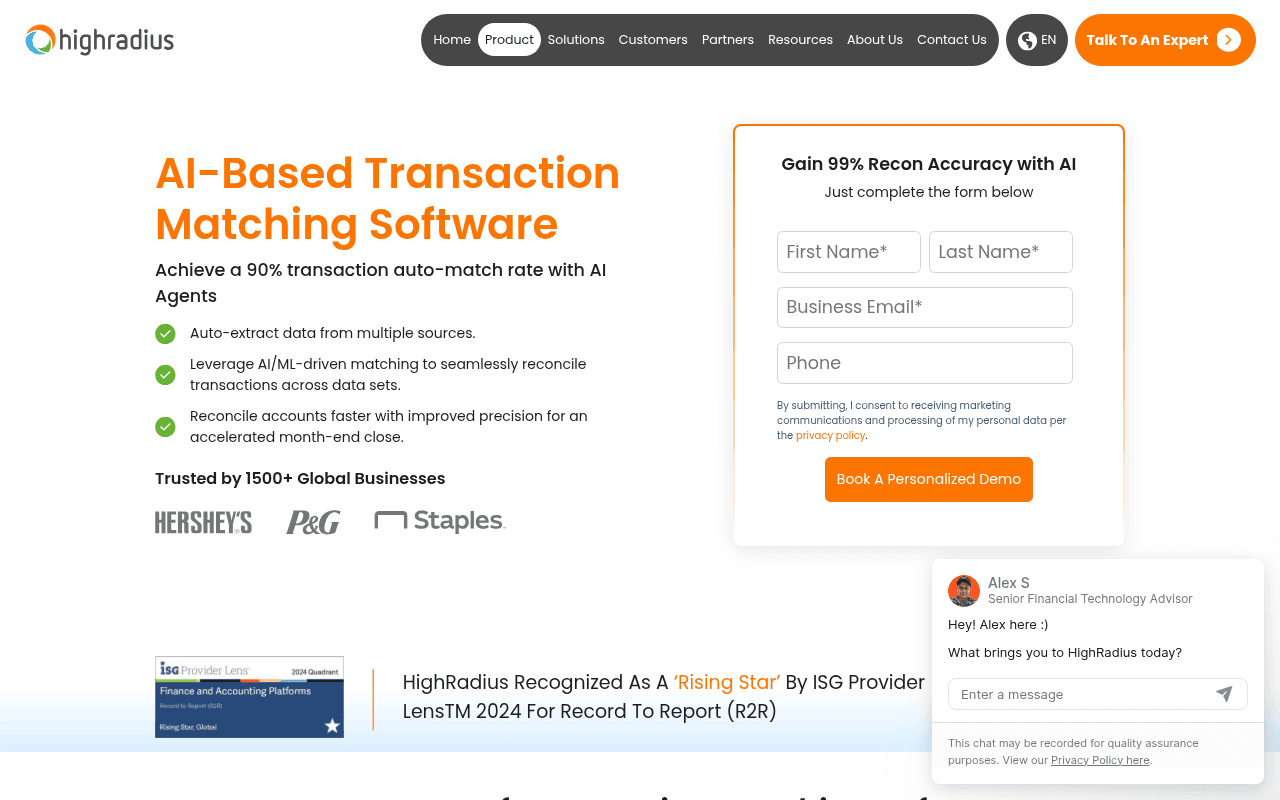
HighRadius comes from the AR side of the house, so its matching muscle is strongest in high-volume, transaction-heavy environments where auto-match rate and exception reduction are the primary buying triggers. It's a good fit where finance ops and accounting workflows overlap, especially where cash application, deductions, and reconciliation blend together.
Where it fits best
Best for high-volume environments where auto-match rate and exception reduction are the main buying triggers.
Strong fit for teams that want AI-based matching without heavy coding or custom rule engineering.
Often makes sense where finance ops and accounting workflows overlap.
Matching depth and workflow model
Emphasizes AI-based matching, multi-source ingestion, data standardization, and anomaly detection.
Public materials cite a 90% auto-match rate and 30% reduction in reconciliation time.
Designed to handle complex matching scenarios with no-code setup.
Useful if your biggest problem is clearing large volumes fast while focusing humans on exceptions.
Tradeoffs and boundaries
Some buyers will need to verify how far the platform extends into full close preparation versus matching-specific automation.
The strongest story is volume and efficiency, so test broader accounting workflow fit separately.
If your main issue is deep transaction-level close orchestration across many entities, compare it carefully against accounting-native platforms.
The center of gravity sits closer to O2C than R2R.
ERP, controls, and implementation fit
Integration breadth matters here because the engine value depends on feeding it from all relevant source systems.
Good option if you want configurable complexity without building scripts or custom rules from scratch.
Ask directly how exception workflows, approvals, and audit evidence operate in your specific close process.
Pricing is custom enterprise SaaS with no public tiers.
4. FloQast AI Transaction Matching
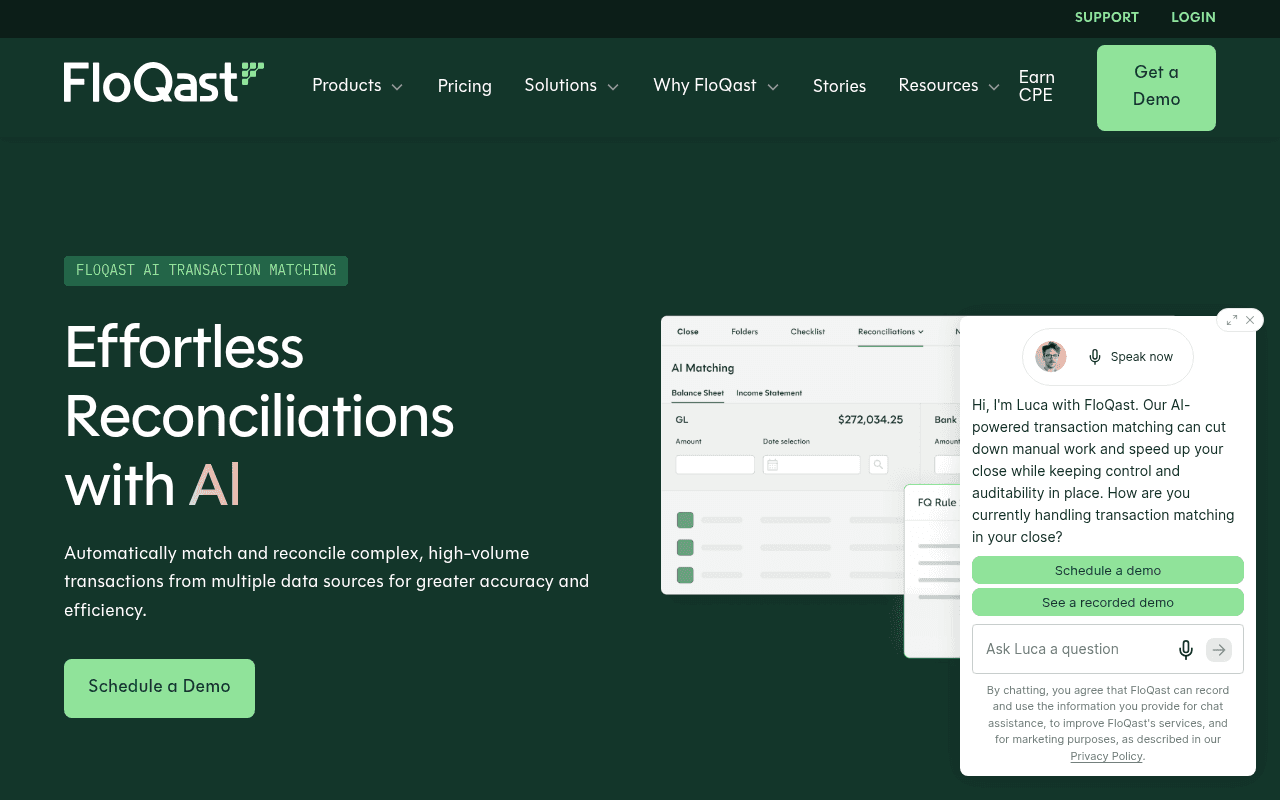
FloQast built its reputation on close checklists and accounting-team-friendly UX. AI Transaction Matching is the module extending that heritage into the reconciliation engine itself, focusing on exception management, flexible rule creation, and audit trail capture inside the broader FloQast close workflow.
Where it fits best
Best for teams that already use FloQast or want approachable close-adjacent automation.
Strong fit if your real bottleneck is manual exception handling rather than designing a deeply custom matching engine.
Appeals to accounting teams that want a cleaner user experience and lower adoption friction.
Matching depth and workflow model
Focuses on AI transaction matching, flexible rule creation, and exception management.
Useful for high-volume reconciliations where humans should review outliers instead of touching every line.
Audit trail and anomaly handling are part of the product story.
Best understood as matching automation inside a broader close workflow context, not a preparation-first engine.
Tradeoffs and boundaries
Exception-first automation is helpful, but verify how far the product goes on truly complex many-to-many scenarios in your data.
Not every close platform that adds AI becomes deeply transaction-native across the whole workflow.
If you need accounting work prepared end to end, compare it directly against tools built around preparation, not only coordination.
FloQast's heritage is coordination; AI Transaction Matching extends that, but the operating model still centers on human-prepared work.
ERP, controls, and implementation fit
Natural shortlist choice if FloQast already sits in your close stack.
Ask how much configuration finance can own without technical help.
Check whether source-system coverage and evidence capture are strong enough for your audit model.
Pricing is quote-based with no per-user fees; third-party estimates for AI Transaction Matching as an add-on typically land in the 15K–50K+ annual range depending on volume and entities.
5. CCH Tagetik Account Reconciliation & Transaction Matching
CCH Tagetik sits inside Wolters Kluwer's broader enterprise performance management footprint. The Account Reconciliation & Transaction Matching module is aimed at larger finance organizations that want matching embedded in a governed, standardized process across entities and account types.
Where it fits best
Best for larger finance organizations that want matching inside a governed enterprise performance environment.
Strong fit where standardization across entities and account types matters.
Useful for teams that value process consistency and formal reconciliation governance.
Matching depth and workflow model
Supports automatic transaction matching, customizable workflows, and detailed audit trails.
Emphasizes standardized reconciliation processes and faster discrepancy identification through AI-driven features.
Good option when close accuracy and process discipline are central requirements.
Belongs on the list because it bridges matching and broader enterprise finance operations.
Tradeoffs and boundaries
Platform breadth can be a strength or a burden depending on how narrow your immediate pain is.
If you only need a fast fix for bank-to-ledger matching, the suite may feel heavier than necessary.
Separate the value of enterprise governance from the cost of broader platform adoption.
Best fit when you're already committing to CPM breadth.
ERP, controls, and implementation fit
Strong governance story makes it relevant for control-heavy environments.
Ask how transaction matching ownership sits between accounting, FP&A, and central systems teams.
Best evaluated by buyers already considering broader enterprise finance architecture decisions.
Pricing is enterprise custom-quote with no public tiers.
6. Trintech Adra Matcher
Trintech has been in the reconciliation space for decades, with Adra targeting commercial and mid-market buyers and Cadency serving the enterprise segment. Adra Matcher is the dedicated matching component, positioned as a step up from ERP-native reconciliation without the sprawl of a full enterprise suite. Integrations span major ERPs including Microsoft Dynamics and Oracle.
Where it fits best
Best for commercial and mid-market teams that want dedicated matching tied to close automation.
Strong fit for buyers already looking at the broader Trintech portfolio.
Useful when you want more depth than ERP-native reconciliation but less platform sprawl than some enterprise suites.
Matching depth and workflow model
A dedicated matcher inside Trintech's longer-standing reconciliation and close automation ecosystem.
Relevant for teams that want purpose-built matching rather than relying only on bank-feed rules.
A practical step up from manual close processes for growing teams.
The product-family distinctions (Adra vs. Cadency) often confuse buyers, so clarify which line you're actually evaluating.
Tradeoffs and boundaries
Trintech has multiple products and tiers, so fit depends heavily on which product line you are actually buying.
Verify whether Adra Matcher, Cadency, or another Trintech option matches your size and complexity.
The main boundary is not quality but choosing the right Trintech path for your operating model.
The wrong product line inside the right vendor is a common mis-buy here.
ERP, controls, and implementation fit
Good option if you want reconciliation maturity without starting from spreadsheet-heavy workflows.
Check ERP compatibility, service model, and how much support your team will need during rollout.
Ask how exception evidence and approvals flow into your broader close documentation.
Pricing is custom subscription-based with no public disclosure.
7. Sage Intacct
Sage Intacct is an ERP first, so its reconciliation and matching capabilities are best understood as native workflow within the accounting system rather than a specialized matching engine. Gartner reviews (574 as of mid-2026) frequently highlight its reporting and automation depth for daily accounting tasks. Many mid-market teams try to solve matching inside Intacct before buying a separate platform, which is exactly why it belongs on this list.
Where it fits best
Best for mid-market teams already standardized on Sage Intacct.
Strong fit if your reconciliation needs are meaningful but still mostly centered inside the ERP.
Useful for buyers deciding whether they need a separate matching platform yet.
Matching depth and workflow model
Treat Sage Intacct as an ERP with practical reconciliation workflows rather than a specialized transaction matching leader.
Works for day-to-day bank and ledger alignment where process complexity is still moderate.
Can reduce tool sprawl when the ERP already handles most of the accounting motion.
Belongs on the list because many teams first try to solve this problem inside the ERP before buying another platform.
Tradeoffs and boundaries
Not a criticism: Sage Intacct is an accounting system first, so the natural limit appears when matching becomes multi-source and exception-heavy.
Complex settlement logic, many-to-many deposit matching, and cross-system reconciliation usually push teams beyond ERP-native workflows.
If spreadsheets still sit between systems, that is often the signal to move up-market.
The trigger to add a dedicated tool is usually spreadsheet regrowth around the ERP.
ERP, controls, and implementation fit
Easiest path if Sage Intacct is already the system of record and the team wants to keep workflows centralized.
Ask what still requires exports, spreadsheets, or manual tie-outs once volume increases.
Good fit for controllership teams that want simplicity first and specialized depth second.
Pricing is custom, with third-party estimates commonly around 9K–12K per year to start.
8. QuickBooks
QuickBooks is the baseline in this list. It handles bank-feed matching and simple reconciliations well enough for small teams whose close is still lightweight. Its value here is showing the floor of the category so you can see what specialized tools actually add once complexity arrives.
Where it fits best
Best for small teams with simple bank matching needs and low transaction complexity.
Strong fit when the finance stack is still lightweight and the close is handled by a lean team.
Useful as the baseline option in this list so readers can see what specialized tools add.
Matching depth and workflow model
Covers bank-feed matching, transaction categorization, and basic reconciliation workflows.
Works well when matching is mostly one-to-one and the accounting environment is simple.
Good enough for many early-stage teams before payment processors, multiple entities, or audit pressure add complexity.
Its real value here is showing the floor, not the ceiling, of the category.
Tradeoffs and boundaries
The natural boundary arrives quickly once you have multi-entity close, complex settlements, or SOX-style evidence requirements.
Cross-system matching and exception handling often spill back into spreadsheets.
If your team is comparing QuickBooks to dedicated transaction matching software, complexity has probably already outgrown the basic model.
That comparison is itself a signal.
ERP, controls, and implementation fit
Lowest barrier to use for smaller teams already operating in QuickBooks.
Check whether your close process depends on workarounds outside the product, because that is the main signal to upgrade.
Best for simplicity and affordability, not for enterprise-grade matching depth.
Pricing runs from 19/month (Simple Start, promotional) up to 275/month (Advanced) with regular monthly billing.
How to choose the right transaction matching software for your environment
The best choice is rarely the most well-known name. It's the one that matches your complexity profile, your controls model, and where the manual work actually lives. Use the decision table below to shortlist by environment, then run the demo questions to validate depth.
Choose by complexity, not by brand recognition
If your environment looks like this | Prioritize | Usually shortlist | Watch out for |
Simple bank rec, single entity, low volume | ERP-native workflows | Sage Intacct, QuickBooks | Buying a platform when the ERP would do |
High-volume exceptions across many systems | Matching depth and ingestion | Maxima, BlackLine, HighRadius | Tools that only route tasks, not prep work |
SOX audit pressure, multi-entity close | Controls, lineage, human approval before GL | Maxima, BlackLine, CCH Tagetik | Evidence stitched together after the fact |
Modern team, fast deployment needed | Time-to-value and UX | Maxima, FloQast | Demos that skip enterprise complexity |
Already on a suite (BlackLine, FloQast) | Extending existing platform | Native modules | Assuming coordination equals preparation |
Want AI to do prep, not just assist | Agent-prepared outputs with review | Maxima | AI-labeled features that only surface exceptions |
Questions to ask in every demo
Can the product handle one-to-many, many-to-many, and processor settlement logic in our environment?
What still requires CSV exports or spreadsheet manipulation after implementation?
How are unmatched items routed, documented, and carried forward month to month?
What approval controls exist before anything affects the GL?
How much of the setup can accounting own without IT or consultants?
What breaks first when transaction count, entities, or currencies increase?
If the demo answers get vague on any of these, that's your signal to keep looking.
FAQs about transaction matching software
Quick answers to the questions that come up most often in buyer conversations.
What is transaction matching software in accounting?
Transaction matching software compares transactions across financial systems, such as bank statements, the GL, subledgers, and payment processors, to verify that records align. Strong tools also create audit trails and exception workflows so unmatched items are documented, routed, and resolved with evidence. It's the layer that clears line-level detail before account reconciliation certifies the balance.
How is transaction matching different from account reconciliation?
Matching happens at the transaction level, while reconciliation proves the account balance is correct overall. Matching feeds reconciliation by clearing line-level detail first, so the ending balance you certify is built on tied-out activity, not a top-down explanation. Buying a checklist tool when the real need is transaction-level automation is one of the most common mis-fits in this category.
When do you need a dedicated transaction matching tool instead of using your ERP?
The signals are multi-source data, batch deposits, processor settlement complexity, and recurring spreadsheet workarounds sitting between systems. Simple one-to-one bank matching can stay inside an ERP longer than most vendors admit. The upgrade trigger is complexity and controls, not company size.
What matters more: auto-match rate or exception workflow?
A high auto-match rate is useful only if the remaining exceptions are easy to resolve and audit. What actually matters is where unmatched items go, who reviews them, how evidence is preserved, and how they carry forward month to month. The right emphasis depends on whether your bottleneck is volume, judgment, or close governance.
Does AI in transaction matching mean the same thing across tools?
No, and this is where buyers get burned. Some tools use AI to surface exceptions and suggest rules; others use agent-prepared workflows that actually build the reconciliation and propose entries for human review. Ask the vendor to walk through exactly what the AI produces, what a human still does, and where the audit trail lives.
Conclusion
There isn't one universal winner in transaction matching. The right pick depends on whether your bottleneck is simple bank recs, high-volume exception handling, or enterprise-grade transaction-level close automation with SOX controls.
Match the tool to the complexity you actually have, not the complexity you want to signal. And separate tools that prepare accounting work from tools that mostly coordinate it, because that distinction determines whether headcount ever gets freed up.
Best for enterprise, AI-prepared close automation: Maxima
Best for large-enterprise standardization and controls: BlackLine, CCH Tagetik
Best for high-volume AR/AP-heavy environments: HighRadius, Maxima
Best for mid-market and ERP-native starting points: Maxima, Sage Intacct, QuickBooks
Move closer to an audit-ready, continuous close

Request demo
Insights, news and content
The latest
See all