
If your close still starts with downloading bank statements and rekeying them into a spreadsheet, you already know where the time goes. Manual data entry, line-by-line reconciliations, and journal prep eat days every month and quietly create the errors your reviewers catch on day six.
The market has split into four very different operating models: AI-native close automation that prepares the work, close-management platforms that orchestrate human work, core accounting ERPs that own the general ledger, and AP or spend tools that clean up the front end. Picking the wrong model is the most common and most expensive mistake in this category, because a checklist tool cannot fix preparation volume and an ERP cannot fix transaction matching depth.
Who this list is for: controllers, accounting managers, and finance leaders running multi-entity, high-volume closes who need to know which category matches their actual bottleneck.
What was evaluated: operating model, automation depth, integration reach, controls and auditability, implementation load, and pricing transparency as of 2026.
How to use the rankings: find the section that matches your worst week of the month, then compare only within that operating model.
What is accounting automation software?
Accounting automation software connects to your source systems, applies rules or AI logic to raw transactions, and produces accounting outputs like journal entries, reconciliations, and reports, routing them through approval workflows before they post to the GL. The category spans everything from bank-feed categorization in SMB tools to agentic AI platforms that prepare complete close packages for enterprise teams.
Common workflows that accounting automation handles:
Data entry and transaction coding from banks, cards, and payment processors
Account reconciliations across bank, subledger, and intercompany accounts
Journal entry preparation, validation, and posting
Accounts payable: invoice capture, approval routing, and payment execution
Accounts receivable: invoicing, collections, and cash application
Flux analysis and variance commentary for period-end review
Close task management, sign-offs, and evidence collection
Financial reporting and disclosure preparation with linked data
Why use accounting automation software?
Save time on repetitive prep work
Manual close cycles compress weeks of work into a few frantic days. Automation shifts that work earlier and runs it continuously, so reconciliations and journal entries are ready for review before close week starts rather than being built during it.
Improve accuracy and reduce rework
Rule-based and AI-driven matching catches mispostings, duplicates, and coding errors at the transaction level, before they compound into material adjustments. Teams that previously spent day three of close fixing upstream errors spend it reviewing clean outputs instead.
Strengthen compliance and audit readiness
Purpose-built platforms enforce segregation of duties, materiality thresholds, and approval workflows architecturally, not through manual checklists. Every output carries an immutable audit trail your auditors can re-perform from source transaction to GL posting.
Gain real-time financial visibility
When automation runs continuously, exceptions surface the day they occur rather than on day six of close. Controllers get a live view of close progress, open items, and variance flags instead of a status update assembled from email threads.
How to choose the right accounting automation software
Before you look at a single demo, name your bottleneck out loud. Teams that say "we can't see blockers" need something different from teams that say "we can't prepare the work fast enough," and the best accounting automation software for one is a poor fit for the other.
The four operating models in this market
Category | What it actually automates | Where it breaks | Best fit |
|---|---|---|---|
AI-native close automation | Prepares journal entries, reconciliations, transaction matching, and flux analysis from source data; humans review and approve | Overkill if you only need light bookkeeping or invoicing | Enterprise and upper-mid-market teams buried in prep volume |
Close management | Orchestrates human work: checklists, task ownership, sign-offs, evidence collection, status visibility | Someone still builds every workpaper by hand | Teams with workpapers but no process control |
Core accounting ERP | Owns the GL, subledgers, approvals, and reporting; adds workflow automation inside the system of record | Not the deepest recon or close-prep engine | Companies replacing an underpowered system of record |
AP and spend automation | Automates invoices, approvals, payments, card spend, and coding into the GL | Does not touch reconciliations or period-end orchestration | Teams whose accounting mess starts upstream |
Key features to look for in the best accounting automation software
Not every tool automates the same layer. Match the feature set to your operating model before you shortlist anything.
Core features
Bank feeds and transaction syncing that pull live data without manual CSV exports
Rule-based categorization and coding for high-volume, repeatable transactions
Invoice capture, approval routing, and payment execution for AP workflows
Reconciliation workflows with balance tie-outs and exception flagging
Reporting dashboards that reflect current-period data, not last month's export
Advanced features
AI-prepared journal entries generated from source transactions, not suggested by a copilot
Anomaly detection and flux analysis with drill-down lineage to the originating transaction
Many-to-one and many-to-many transaction matching across GL, subledgers, and payment processors
Continuous preparation that runs daily rather than compressing work into month-end
Multi-entity and multi-currency support with intercompany elimination
Enterprise controls
Segregation of duties and maker-checker approval workflows enforced at the platform level
Immutable audit logs with transaction-level lineage your auditors can re-perform
Role-based permissions and SOX-aligned governance built into the architecture
Exception routing with materiality thresholds applied consistently across every workflow
AI-native close platforms cover the advanced and enterprise tiers. Close-management tools cover the core tier plus controls. ERPs and AP tools cover core features within their domain.
What to evaluate before you shortlist anything
Integration depth: confirm the tool pulls transaction-level detail from your ERP, banks, payroll, and billing systems, not summary balances or manual CSV uploads.
Workflow coverage: map which of your recurring entries, recons, and analyses the tool actually performs versus tracks.
Controls and auditability: require segregation of duties, approval workflows, immutable logs, and evidence your auditors can re-perform.
UX and adoption: if senior accountants avoid the tool during close week, you bought shelfware.
Scalability: test multi-entity, multi-currency, and high-volume behavior at your real transaction counts, not a sample dataset.
Implementation load: ask whether finance can own configuration or whether every change requires IT or a consultant.
Prioritize the process that burns the most hours: reconciliations, journal entries, close management, AP, or multi-entity reporting.
Common failure points buyers miss
Shallow integrations that sync balances but leave you exporting detail to Excel anyway.
Persistent spreadsheet dependencies, where the "automated" workpaper is still hand-built and then attached.
Weak exception handling, so the 5% of unmatched items still consumes 80% of close week.
Tools that organize work beautifully without reducing the volume of work to be prepared.
Rigid rule-based automation that breaks the first month a vendor changes its statement format.
That distinction drives the ranking below: if your pain is review and control, close-management and controls-heavy platforms win; if your pain is preparation volume, agent-prepared automation wins.
Quick comparison: all 15 accounting automation tools
Software | Category | Best for | Pricing model | Implementation load |
|---|---|---|---|---|
AI-native close automation | Enterprise teams buried in prep volume | Custom quote | Weeks; finance-owned | |
Enterprise close and reconciliation | Standardizing recons and controls at scale | Custom quote (~$36K–$101K/yr) | Months; structured program | |
Close management | Close visibility and task ownership | Custom quote (~$12K–$120K/yr) | Weeks to months | |
Enterprise R2R control platform | Policy-heavy close with intercompany volume | Custom quote ($100K–$500K+/yr) | Months; formal project | |
Cloud ERP | Replacing an underpowered system of record | ~$999/month base + per user | Months; IT-involved | |
Mid-market cloud ERP | Stepping up from SMB software | ~$15K–$75K+/yr | Weeks to months | |
Enterprise finance ERP | Microsoft-centric ERP standardization | From $210/user/month | Months; IT-heavy | |
Connected reporting and compliance | Filing accuracy and disclosure workflows | Custom quote (~$138K–$400K+/yr) | Months; module-driven | |
AP and global payment automation | Complex multi-entity payables and payouts | From $99/month | Weeks | |
AP and AR automation | Straightforward invoice and payment handling | From $49/user/month | Days to weeks | |
Spend and bill pay automation | Card spend and coding cleanup before close | Free core; $15/user/month Plus | Days to weeks | |
Specialist reconciliation and cash automation | High-volume matching and cash application | Custom quote | Months; enterprise program | |
SMB core accounting | Small business bookkeeping automation | $38–$275/month | Days | |
SMB cloud accounting | Bank rec-centric bookkeeping for small teams | $25–$90/month | Days | |
Expense and reimbursement automation | Employee spend cleanup before close | From $5/member/month | Days |
1. Maxima
Maxima is an AI-native accounting automation platform built for enterprise record-to-report work. Its AI agents, including its accounting agent Max, pull transactions directly from banks, payroll, billing, BI, and the ERP, then prepare journal entries, reconciliations, transaction matches, and flux analysis with source-to-GL lineage. Accountants review and approve; nothing posts to the GL without human sign-off. It pairs a deterministic engine for the 80-90% of accounting that is rule-based with an agentic engine for the judgment calls, and it holds a 4.8/5 rating on G2.
Where it fits
Category: AI-native accounting automation that performs close preparation, not checklist management layered on top of manual work.
Buyer profile: controllers and accounting teams managing multi-entity close, high transaction volume, SOX requirements, and audit pressure.
What it automates best
Agent-prepared journal entries, account reconciliations, one-to-many and many-to-many transaction matching, and flux analysis with transaction-level lineage back to source systems.
A review-first model where accountants approve prepared outputs instead of building workpapers, schedules, and accruals from scratch.
Continuous preparation, so exceptions surface the day they occur rather than during a compressed month-end scramble.
Rippling controller Vipin Sethi described the impact: “What used to be repetitive, low-value work is now automated, freeing our team to focus on deeper reconciliations, analytical reviews, and cross-functional insights.”
Tradeoffs to know
Not the right starting point if you only need lightweight bookkeeping, invoicing, or a first accounting system.
Value peaks when the bottleneck is prep volume, reconciliation complexity, or fragmentation across many systems, not simple cash-in cash-out accounting.
Pricing is bespoke: a platform fee based on business size plus per-module fees tied to transaction volume, entity count, and system complexity, so you need a quote.
Best fit and buying signal
Best fit: enterprise and upper-mid-market accounting teams that want software to prepare the work, not only track its status.
Shortlist it when reviewers spend days cleaning spreadsheets, chasing support, and rebuilding the same entries every close.
2. BlackLine
BlackLine is the incumbent in enterprise close and reconciliation automation, with a strong controls and governance orientation. Its operating model standardizes how reconciliations are certified, how tasks are approved, and how evidence is retained across large organizations. The platform carries a 4.5/5 rating on G2 from 1,068 reviews.
Where it fits
Category: enterprise financial close, account reconciliation, and matching with embedded policy enforcement.
Buyer profile: companies that need standardization, documented controls, and mature close governance across many entities and preparers.
What it automates best
Account reconciliations with certification workflows, materiality rules, close task management, and audit trails in one controlled environment.
Repeatable, control-heavy reconciliation and matching processes at organizational scale, including high-volume transaction matching.
Newer AI and agentic capabilities that add assistance around the workflow, though the core model remains orchestration and control rather than end-to-end agent preparation.
Tradeoffs to know
Powerful but heavy: this is not a lightweight option for teams that just want simpler bookkeeping automation.
Governance depth is the strength, and system weight is the cost; expect a longer, more structured implementation than newer tools require.
Pricing is entirely quote-based with no public list, typically as annual enterprise contracts.
Best fit and buying signal
Best fit: larger organizations with high control requirements and complex, multi-account reconciliation processes.
Shortlist it when your core problem is standardizing recons and close controls across many accounts, teams, or entities.
3. FloQast
FloQast started as close management and expanded into reconciliations, transaction matching, journal entry workflows, and compliance. Its center of gravity is still orchestration: who owns each task, what is done, and where the evidence lives, tied tightly to Excel and your existing folder structure. It holds a 4.6/5 rating on G2 from 1,411 reviews, and pricing is quote-based, with third-party buyer data indicating entry-level contracts around $12,000 per year and mid-market deployments between roughly $60,000 and $120,000 per year.
Where it fits
Category: close-management-first platform with expanding reconciliation, matching, and journal modules.
Buyer profile: teams that want tighter orchestration and month-end visibility without replacing the ERP.
What it automates best
Close task management with dependencies, sign-offs, reconciliation review, journal entry management, and automated evidence collection.
Status chasing, file sprawl, and manual follow-up, which is where a lot of controller time silently disappears.
Process coordination across distributed teams, especially when several people touch the same account each month.
Tradeoffs to know
Strongest when the problem is orchestration and visibility, not deep transaction-level preparation.
If your real pain is building recurring JEs, accrual schedules, and recons end to end, compare it directly against tools built for the preparation layer.
Its automation still assumes a human prepares most workpapers in a spreadsheet first.
Best fit and buying signal
Best fit: accounting teams that already have the workpapers but lack ownership, control, and close transparency.
Shortlist it when your month-end problem sounds like "we cannot see blockers fast enough" rather than "we cannot prepare the work fast enough."
4. Trintech Cadency
Cadency is Trintech's enterprise financial close platform, designed to put the full record-to-report cycle under one governed roof. It covers balance sheet reconciliations, matching, journal workflow, intercompany, and close management with heavy approval structure and audit readiness. It holds a 4.3/5 rating on G2. Pricing is quote-based, with enterprise annual contracts typically landing between roughly $100,000 and $500,000 depending on modules and deployment scale.
Where it fits
Category: enterprise financial close and R2R control platform with rule-based automation at its core.
Buyer profile: complex organizations with intercompany volume, policy-heavy reconciliation standards, and formal governance requirements.
What it automates best
Balance sheet reconciliations, transaction matching, journal entry workflow, close management, and intercompany accounting in a single controlled footprint.
Workflow control, layered approvals, risk ratings, and audit readiness across thousands of accounts and many preparers.
Large-scale close discipline, including standardized templates that survive turnover on the accounting team.
Tradeoffs to know
This is a substantial enterprise platform, so expect a formal implementation motion with defined project resources.
Automation is largely rule-based, which means humans still prepare the judgment-heavy work and rules need maintenance as processes change.
It only makes economic sense when your accounting environment is already large enough to justify the structure.
Best fit and buying signal
Best fit: large enterprises that want one controlled environment spanning multiple close activities and entities.
Shortlist it when intercompany and policy-heavy close processes cause more pain than day-to-day staff productivity.
5. Oracle NetSuite
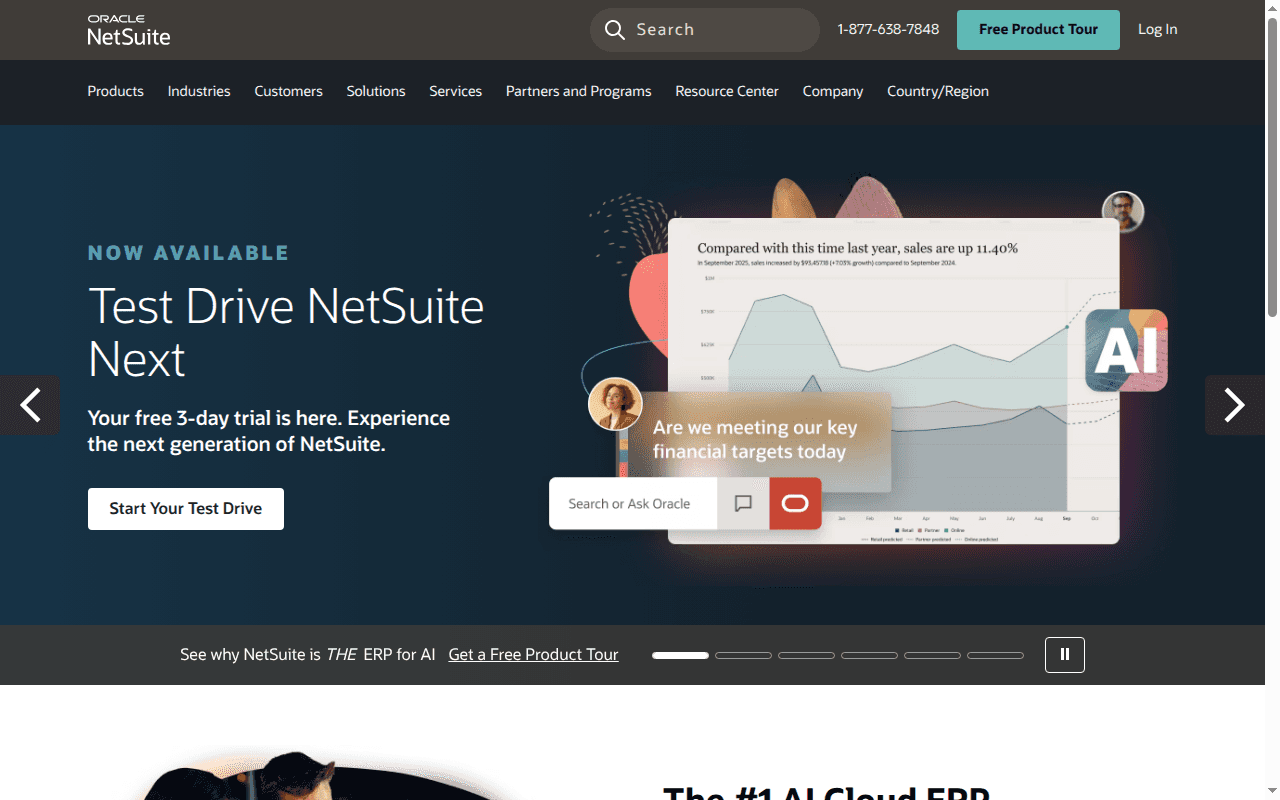
NetSuite is a core accounting ERP with native financial automation, not a close-automation specialist. It owns the ledger, subledgers, approvals, and reporting, and it is frequently the foundation that specialist automation tools plug into. It holds a 4.1/5 rating on G2. TrustRadius reviewers highlight robust reporting and saved searches, extensive customization, and strong core accounting capability across more than 1,300 reviews. Third-party estimates put pricing around a $999 per month base platform fee plus roughly $99 to $199 per full user per month.
Where it fits
Category: cloud ERP and system of record with built-in finance automation.
Buyer profile: companies that need the system of record and some workflow automation in the same platform.
What it automates best
Source-level accounting impact from orders, billing, and procurement, so entries originate in the system rather than in spreadsheets.
Payment automation options, approval routing, allocations, fixed assets, and revenue recognition inside the ERP.
Breadth of core finance operations, which reduces stack sprawl and gives specialist tools a clean integration target.
Tradeoffs to know
An ERP is not automatically the answer if your bottleneck is close preparation or transaction matching depth.
Customization power cuts both ways: heavily configured accounts often need administrative support to change anything quickly.
Separate "owning the ledger" from "automating the preparation layer" before you buy more ERP modules.
Best fit and buying signal
Best fit: companies standardizing their accounting system while adding workflow automation inside it.
Shortlist it when your issue is an underpowered core system, not just month-end inefficiency.
6. Sage Intacct

Sage Intacct is a mid-market core accounting platform with dimensional reporting and a growing set of AI and AP automation features. It is the classic step up for teams that have outgrown entry-level bookkeeping software but do not want a full enterprise ERP program. It holds a 4.3/5 rating on G2. Pricing is quote-based, commonly running from roughly $10,000 to $15,000 per year for the smallest deployments up to $25,000 to $75,000 or more for multi-entity mid-market setups.
Where it fits
Category: mid-market cloud financial management platform with embedded AP automation.
Buyer profile: finance teams that have outgrown entry-level software but do not need the weight of a larger ERP stack.
What it automates best
Core accounting plus AP automation: bill entry, vendor and PO matching, coding suggestions, and duplicate invoice detection.
Multi-entity consolidations and dimensional reporting, which removes a lot of manual spreadsheet mapping at month-end.
Practical workflow automation built into the system of record rather than bolted on afterward.
Tradeoffs to know
It is a core system first, so teams needing deep reconciliation and journal preparation still evaluate an automation layer on top.
The tradeoff is consolidation versus best-of-breed depth: fewer vendors, but less specialized close capability.
Costs scale quickly with entities, modules, and named users, so model three years, not one.
Best fit and buying signal
Best fit: scaling finance teams that want a stronger accounting backbone with practical automation included.
Shortlist it when QuickBooks-class software starts breaking under approvals, dimensions, or reporting complexity.
7. Microsoft Dynamics 365 Finance
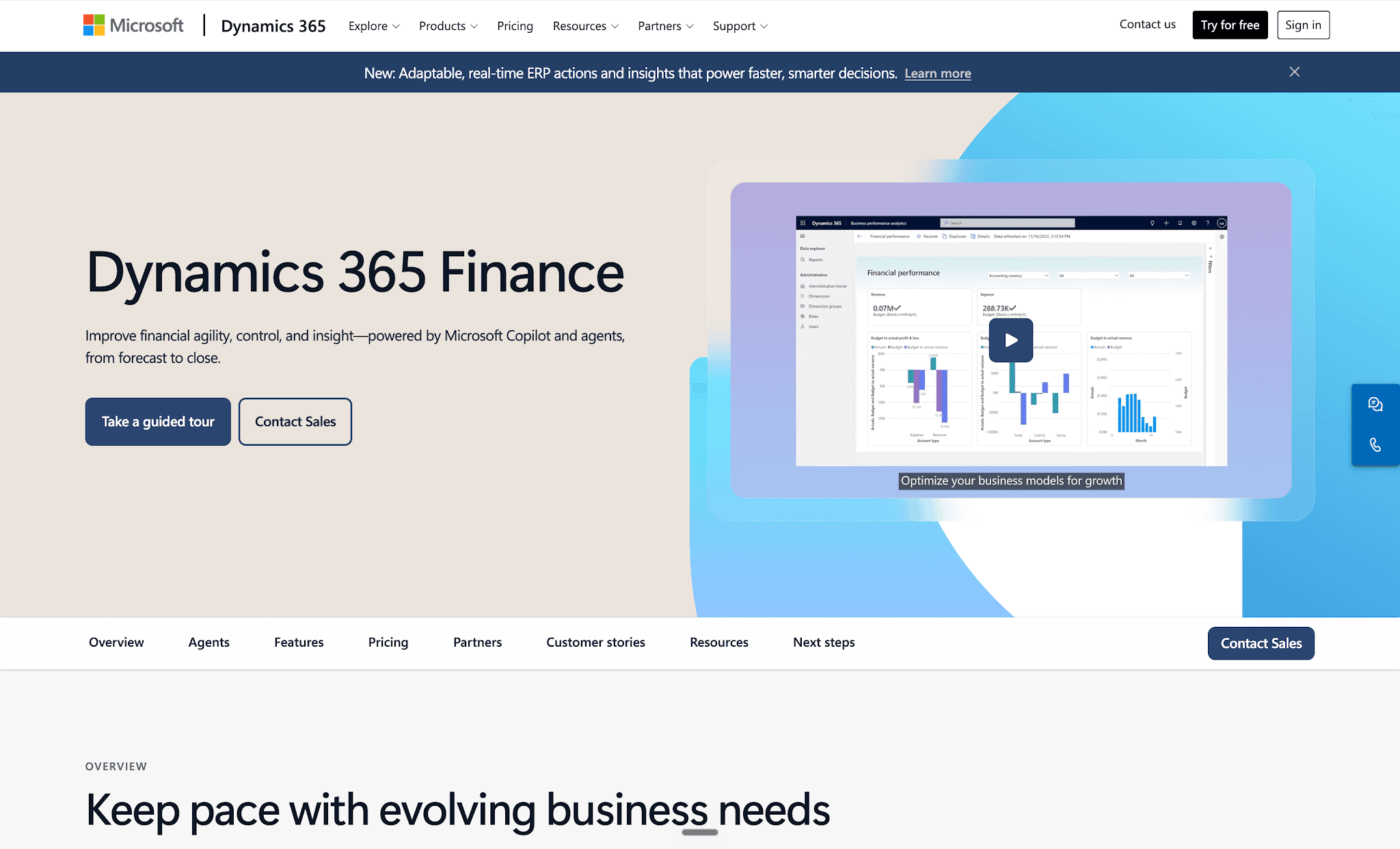
Dynamics 365 Finance is an enterprise finance ERP with built-in workflow automation and expanding agent capabilities across the Microsoft stack. Its strongest argument is ecosystem fit for organizations already standardized on Microsoft. Gartner reviewers report a generally favorable experience with its evolving features and configuration flexibility, alongside recurring complaints about support responsiveness and integration difficulty. Licensing is $210 per user per month for the base full user, $300 for Premium, and $8 per month for Team Member access, billed annually.
Where it fits
Category: enterprise finance ERP with workflow automation and Microsoft-native extensibility.
Buyer profile: organizations already committed to Microsoft or consolidating onto a broader enterprise applications stack.
What it automates best
Accounting and financial close workflows, vendor invoice processing, and approval routing inside the ledger.
Extension through Power Platform and Copilot tooling, which lets IT-capable teams automate around finance processes.
Cross-functional operations where finance, supply chain, and collaboration tools share one data foundation.
Tradeoffs to know
Like other ERPs, it is not the deepest answer for specialized reconciliations, matching, or close preparation.
Weigh platform breadth against speed to value; a narrowly defined close bottleneck rarely justifies an ERP program.
Per-user pricing at $210 and up makes broad accounting-team access a real budget line.
Best fit and buying signal
Best fit: enterprise teams that want accounting automation inside a Microsoft-centric operating model.
Shortlist it when ERP standardization is genuinely on the table, not only point-solution close improvement.
8. Workiva
Workiva sits adjacent to close automation, in connected reporting, controls, and compliance. It links data, narrative, and evidence so that reviews, certifications, and filings run on one connected chain instead of emailed drafts. It rates 4.5/5 on G2 from 2,148 reviews, with sentiment centering on streamlined reporting. Pricing is quote-based and module-driven, with reported annual costs ranging from roughly $36,000 to well over $600,000.
Where it fits
Category: connected reporting, disclosure, and controls automation adjacent to core accounting automation.
Buyer profile: public-company and compliance-heavy teams that care about linked data, approvals, and filing readiness.
What it automates best
Connected data and linked numbers across documents, so one correction updates every dependent statement and footnote.
Review, certification, and SOX control workflows with clear ownership and evidence trails.
SEC and statutory reporting preparation with lineage from source figures to filed output.
Tradeoffs to know
This is not the first tool you buy if your immediate pain is high-volume matching or bank rec preparation.
Its strength is later in the chain, where reporting accuracy and control evidence matter most.
Multi-module deployments get expensive fast, so scope tightly to the reporting problem you have today.
Best fit and buying signal
Best fit: finance and accounting teams that need rigorous reporting workflows wrapped around the close.
Shortlist it when filing accuracy, version control, and cross-functional sign-off cause the most pain.
9. Tipalti
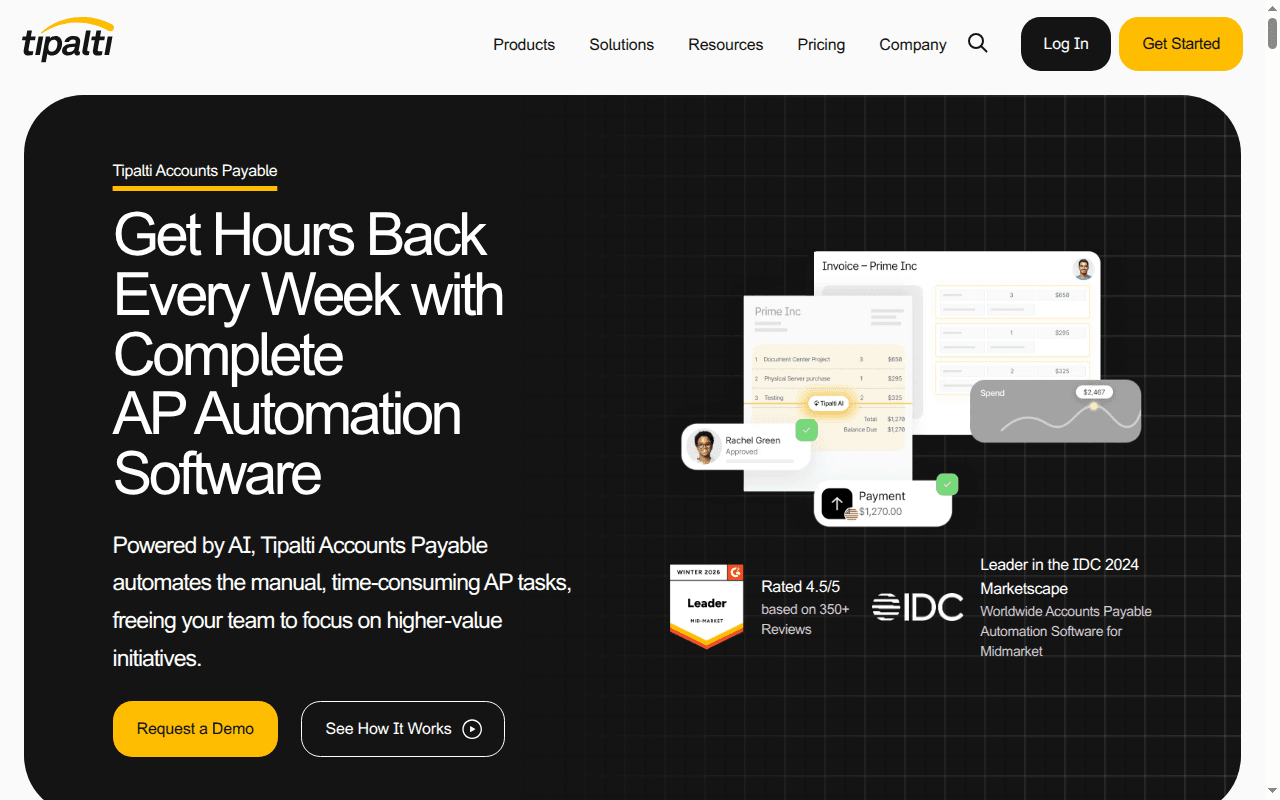
Tipalti is AP and finance automation, not a close platform. It handles supplier onboarding, tax and compliance validation, invoice intake, approvals, and global payouts across entities and currencies. Cleaner AP data upstream means fewer accruals and reclasses to untangle during close week. It holds a 4.5/5 rating on G2. Pricing starts at $99 per month for AP automation, with an Advanced tier at $199 per month and mass payments from $249 per month, plus transaction and module fees.
Where it fits
Category: accounts payable and global payment automation.
Buyer profile: teams whose accounting bottleneck starts with invoice intake, approvals, supplier workflows, and payments.
What it automates best
Invoice capture and coding, approval routing, supplier self-service onboarding, and tax form collection.
Multi-entity and cross-border payouts across many payment methods and currencies without manual bank file work.
Upstream cleanup that reduces messy month-end accruals, duplicate payments, and misclassified spend.
Tradeoffs to know
AP automation does not replace close automation across reconciliations, journal preparation, and flux review.
It is a strong wedge when payables are the source of accounting pain, not a universal close answer.
Transaction-based fees mean cost scales with payment volume, so model your real invoice and payout counts.
Best fit and buying signal
Best fit: companies with complex AP, supplier, or cross-border payment operations.
Shortlist it when invoice and payment operations force accounting to spend close week fixing upstream data.
10. BILL
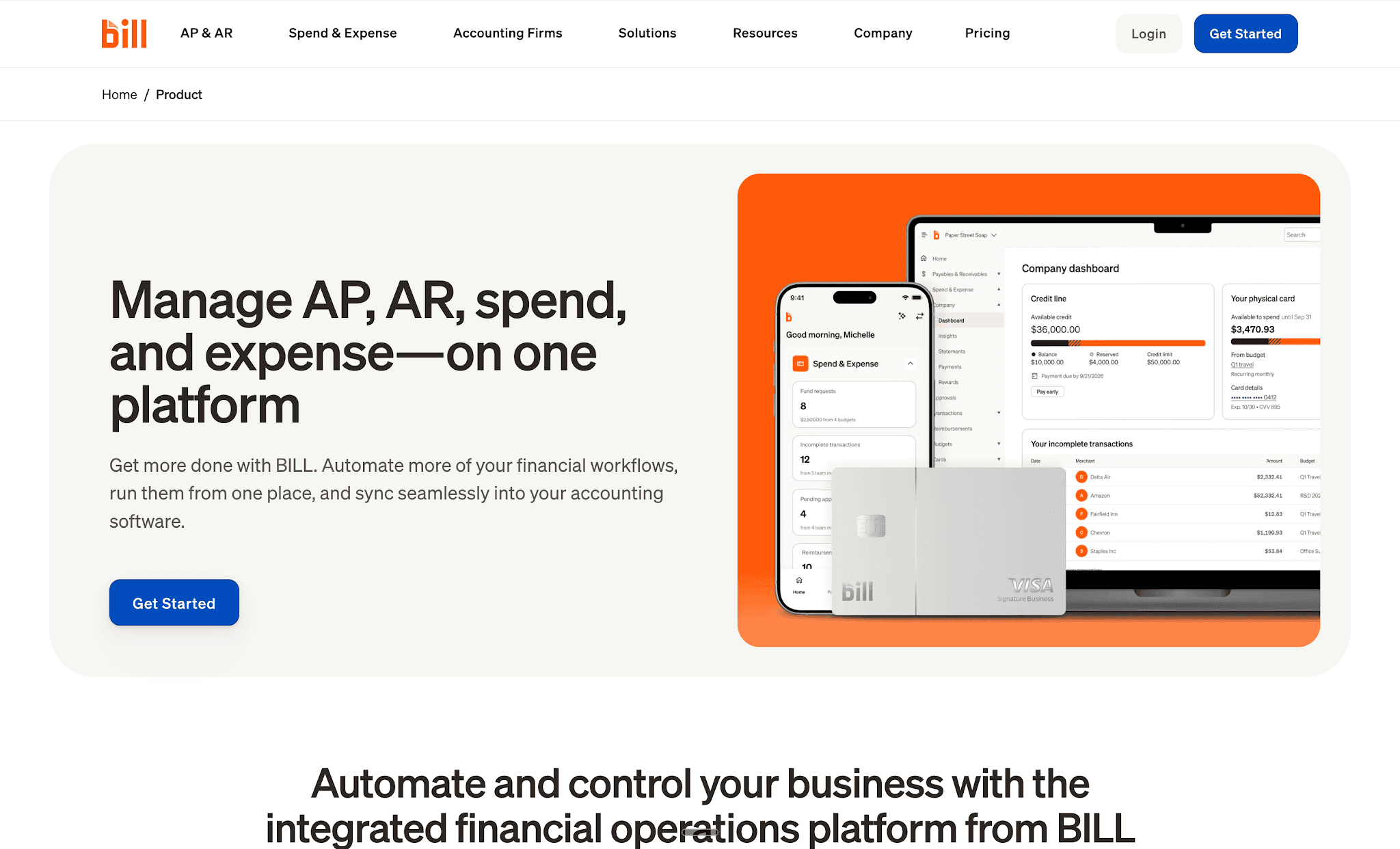
BILL covers AP and AR automation for companies that want less manual invoice and payment handling without replatforming. It captures bills, routes approvals, executes payments, supports collections, and syncs back to your accounting system. It holds a 4.4/5 rating on G2. Paid tiers run $49 per user per month for Essentials, $65 for Team, and $89 for Corporate, with a separate Spend and Expense product that carries no per-user software fee.
Where it fits
Category: AP and AR automation layer connected to existing accounting software.
Buyer profile: SMB and mid-market teams that want a simpler automation layer, not a new system of record.
What it automates best
Invoice capture, approval routing, and payment execution with an audit trail on each bill.
AR invoicing and collection support, which shortens the follow-up cycle on aged receivables.
Two-way accounting sync so coded bills and payments land in the ledger without rekeying.
Tradeoffs to know
It is narrower than close suites and ERPs, so do not expect it to solve reconciliations or close governance.
That boundary is normal for AP-focused tools, not a flaw; just avoid buying it to fix a close-prep problem.
Per-user pricing can add up once you include approvers across departments.
Best fit and buying signal
Best fit: finance teams that want straightforward invoice and payment automation without enterprise complexity.
Shortlist it when AP data entry and approvals are the main manual drain on accounting capacity.
11. Ramp
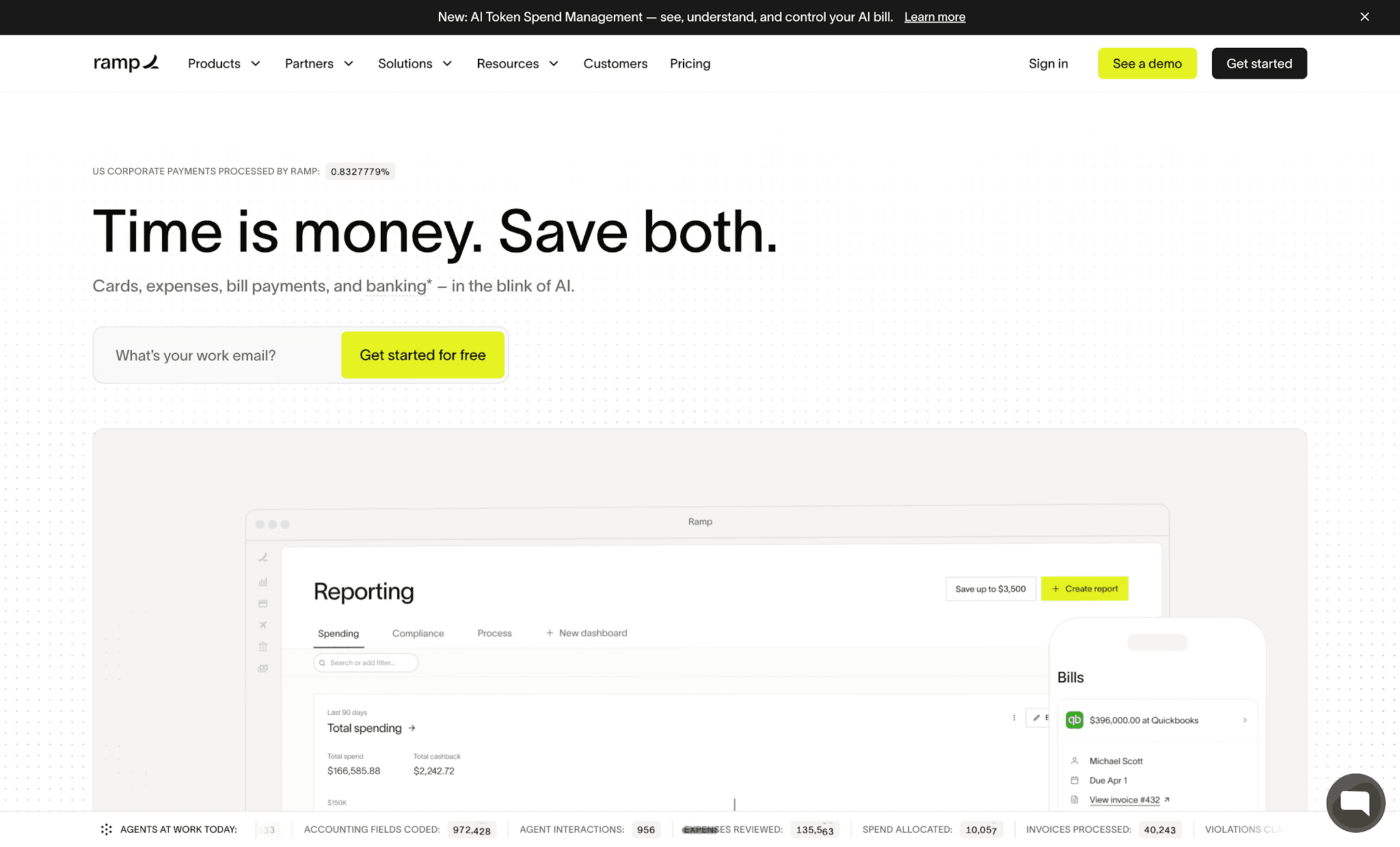
Ramp combines corporate cards, expense management, bill pay, and accounting sync, with enough accounting-adjacent depth to matter at month-end. Its value for accounting teams is upstream: transactions arrive coded, receipts attached, and policy enforced before they hit the GL. It holds a 4.8/5 rating on G2. The core platform is free at $0 per user, with a Plus tier at $15 per user per month plus a platform fee, and custom Enterprise pricing.
Where it fits
Category: spend, bill pay, and accounting sync automation with GL-facing workflows.
Buyer profile: companies that want tighter control of card spend, reimbursements, bills, and coding into the ledger.
What it automates best
Transaction coding, receipt collection, policy enforcement, and accounting sync across cards and reimbursements.
Bill pay plus prepaid amortization and accrual support in specific accounting integration workflows.
A broad ERP integration footprint that removes manual exports and re-uploads at period-end.
Tradeoffs to know
Ramp is not a full close platform, so do not expect comprehensive reconciliation management or period-end orchestration.
Amortization and accrual support depends on the integration you run, so validate behavior in your own ERP first.
It works best as the operational automation layer feeding cleaner data into the books.
Best fit and buying signal
Best fit: teams that want spend, bills, and coding cleaned up before problems reach the GL.
Shortlist it when accounting spends close week fixing card, reimbursement, and prepaid issues.
12. HighRadius
HighRadius is the specialist pick for high-volume reconciliation and cash-accounting work. It targets environments where the bottleneck is sheer line count: thousands of bank lines, POS settlements, intercompany transactions, and cash application against open receivables. It holds a 4.3/5 rating on G2. Pricing is custom enterprise SaaS, quoted by module, transaction volume, and ERP complexity.
Where it fits
Category: specialist reconciliation, cash application, and order-to-cash automation.
Buyer profile: enterprises where reconciliation scale, cash application, or receivables volume defines the close timeline.
What it automates best
Bank, intercompany, POS, and cash-accounting reconciliations with ERP integration and rule-driven matching.
Cash application against open invoices, including remittance interpretation on high-volume accounts.
Detail-heavy matching where transaction count, not checklist discipline, is the real constraint.
Tradeoffs to know
Test whether your pain is broad close management or a narrower reconciliation and cash process problem.
Specialists win hard on one workflow while leaving adjacent close activities to other systems.
Expect an enterprise implementation and rule-configuration effort proportional to your volume.
Best fit and buying signal
Best fit: organizations with very high transaction counts and repetitive matching work across cash and reconciliations.
Shortlist it when your close delay starts with thousands of unmatched lines rather than late sign-offs.
13. QuickBooks Online
QuickBooks Online is SMB core accounting with bank-feed-driven automation, and it remains the default first system for small companies. Bank feeds, rules, and a huge app ecosystem cover foundational bookkeeping well. It holds a 4.0/5 rating on G2. Plans run from $38 per month for Simple Start to $275 per month for Advanced, with a 30-day trial and a new free plan arriving in August 2026.
Where it fits
Category: small business core accounting with automated bank feeds and categorization rules.
Buyer profile: small companies that need accessible bookkeeping automation long before enterprise close depth.
What it automates best
Bank and card feeds, transaction syncing, and rule-based categorization of income and expenses.
Recurring invoices, payment reminders, and basic reporting for a lean team or an outsourced bookkeeper.
Ecosystem connectivity, so payroll, expense, and AP tools plug in without custom work.
Tradeoffs to know
Most teams outgrow QuickBooks Online before they solve enterprise-grade close and reconciliation automation.
Multi-entity controls, complex approvals, and deep preparation automation are where the ceiling shows.
Advanced-tier features narrow the gap but do not turn it into a controlled record-to-report platform.
Best fit and buying signal
Best fit: small businesses that need easy-to-adopt accounting automation with minimal lift.
Shortlist it when you need a practical starting point, not a sophisticated record-to-report operating layer.
14. Xero
Xero is SMB cloud accounting with a bank-reconciliation-centric workflow at its core. Its daily rhythm is simple: feeds import, the system suggests matches, and you confirm. It holds a 4.4/5 rating on G2. US plans are $25 per month for Early, $55 for Growing, and $90 for Established, with a 30-day trial and no permanent free tier.
Where it fits
Category: small business cloud accounting built around bank reconciliation.
Buyer profile: small finance teams that want cleaner day-to-day bookkeeping and reliable bank matching.
What it automates best
Bank feeds with suggested matches and reconciliation workflows handled inside the accounting system.
Recurring transactions, bank rules, and invoice tracking that keep the books current without heavy setup.
A cloud-first, multi-user experience that suits distributed teams and external accountants.
Tradeoffs to know
Xero is not built to carry enterprise close automation on its own.
Do not confuse efficient bank rec workflows with full accounting automation across the close.
Deeper needs like multi-entity consolidation and controlled approvals require additional tooling.
Best fit and buying signal
Best fit: small businesses and lean finance teams that want solid cloud bookkeeping with bank automation.
Shortlist it when the job is keeping books current, not running a multi-entity controlled close.
15. Expensify
Expensify handles expense management and reimbursement automation, the front end of employee spend that generates so much accounting cleanup. Receipt scanning, report generation, approvals, and reimbursements run in one workflow that syncs to your ledger. It holds a 4.5/5 rating on G2. The Collect plan is $5 per member per month, with Control pricing from about $9 up to $36 per active member per month depending on card usage and commitment, plus free individual tiers.
Where it fits
Category: expense management and reimbursement automation.
Buyer profile: teams where receipt capture, employee expense workflows, and policy enforcement create month-end rework.
What it automates best
Receipt scanning, expense report creation, approval routing, and reimbursement processing.
Bill pay and card programs with accounting sync so coded transactions reach the GL cleanly.
Front-end policy enforcement that cuts down on unsupported or miscategorized employee spend.
Tradeoffs to know
Expensify is narrow next to close platforms and ERPs, so do not evaluate it as a full accounting automation stack.
That scope is fine if employee spend is the real source of your accounting friction.
Active-member pricing varies significantly with card adoption and contract terms, so confirm your effective rate.
Best fit and buying signal
Best fit: organizations that want faster expense processing and cleaner downstream coding.
Shortlist it when accountants spend close week fixing reimbursements, receipts, and employee-spend categorization.
Best accounting automation software by business size
SMB
Small teams need accessible bookkeeping automation with fast setup and low overhead. QuickBooks Online and Xero handle bank feeds, categorization, and basic reconciliation well. BILL and Expensify add AP and expense automation without requiring a new system of record. These tools cover the essentials until multi-entity complexity or close volume outgrows them.
Mid-market
Growing teams that have outgrown SMB software but are not ready for a full enterprise program typically need a stronger system of record plus one automation layer on top. Sage Intacct handles the ERP upgrade with embedded AP automation. Maxima or FloQast add close visibility and workflow support. If reconciliation and journal prep volume is the constraint, Maxima fits here too.
Enterprise
Large, multi-entity organizations with SOX requirements and high transaction volume need platforms built for that scale. Maxima handles agentic close preparation end to end. BlackLine and Trintech Cadency provide controlled reconciliation and close governance. Oracle NetSuite and Dynamics 365 Finance anchor the ERP layer. Workiva covers reporting and disclosure. Most enterprise stacks combine two or three of these operating models.
Best accounting automation software by use case
Best for AP automation
Tipalti for complex global payables with multi-entity and cross-border requirements. BILL for straightforward mid-market AP and AR without enterprise overhead. Ramp when the problem starts with card spend and coding before it reaches the GL.
Best for financial close automation
Maxima when the bottleneck is preparation volume: journal entries, reconciliations, and flux analysis built by agents and reviewed by accountants. BlackLine when the bottleneck is standardizing controls and certifications across a large organization. FloQast when the bottleneck is close visibility and task ownership rather than prep work itself.
Best for ERP replacement
Oracle NetSuite for companies that need a cloud system of record with broad finance automation. Sage Intacct for mid-market teams stepping up from entry-level software. Dynamics 365 Finance for organizations standardizing on Microsoft.
Best for reporting and compliance
Workiva for public companies that need linked data, version control, and filing-ready workflows from close through disclosure.
Choosing your accounting automation stack for 2026
Most teams do not need every tool on this list. They need one honest answer about where the hours go, then one platform that matches that operating model instead of a tool that reorganizes the same manual work.
If your reviewers are still building workpapers before they can review anything, orchestration will not save you. Preparation automation will, and that shift from month-end scramble to continuous preparation is the biggest structural change available to accounting teams right now.
Best for agentic close prep: Maxima, for enterprise and upper-mid-market teams that want agents preparing entries, recons, and flux with review-first controls.
Best for controlled reconciliations: BlackLine, for large organizations standardizing recons and close controls at scale.
Best ERP-first choice: Oracle NetSuite, with Sage Intacct for mid-market and Dynamics 365 Finance for Microsoft-centric estates.
Best AP-first choice: Tipalti for complex global payables, BILL for simpler mid-market AP and AR.
Best SMB starting point: QuickBooks Online or Xero, depending on whether you prioritize ecosystem breadth or bank rec simplicity.
FAQs: best accounting automation software
What is accounting automation software?
Accounting automation software reduces manual accounting work by pulling data from source systems and performing or orchestrating tasks like journal entries, reconciliations, transaction matching, and close tracking. The category spans four operating models: AI-native prep platforms, close management, core ERPs, and AP or spend automation.
Which accounting automation software is best for month-end close?
If preparation volume is your constraint, an AI-native platform that prepares journal entries and reconciliations end to end is the right layer. If your workpapers exist but ownership and visibility are weak, close-management tools like FloQast or control-heavy platforms like BlackLine fit better.
How much does accounting automation software cost in 2026?
SMB tools start around $25 to $38 per month. Mid-market platforms like Sage Intacct commonly run $25,000 to $75,000 per year. Enterprise close platforms are quote-based, with Trintech Cadency contracts often between $100,000 and $500,000 annually depending on modules and scale.
Can AI actually prepare journal entries, or does it just suggest them?
Both models exist, and the difference matters. Assistive tools surface anomalies and suggest treatments; agentic platforms generate complete entries, schedules, and reconciliations from source transactions with validations, then route them for human approval before posting.
Does accounting automation break SOX compliance or audit readiness?
Not when the platform is built for it. Look for segregation of duties, maker-checker approvals, immutable audit logs, materiality thresholds enforced in the workflow, and transaction-level lineage your auditors can re-perform. Architecturally enforced human approval before GL posting is the standard to require.
Do I need to replace my ERP to automate accounting?
No. Most automation platforms sit on top of the ERP, pulling transaction detail and posting finished work back with source-to-GL linking. Replace the ERP only when the system of record itself is the constraint, not when preparation work is.
How long does accounting automation software take to implement
Timelines track the operating model, not the vendor's size. SMB tools and finance-owned AI-native platforms go live in weeks. Close suites and ERP programs run several months with formal project resources. AP and spend tools land in days. Ask specifically whether your controller can configure new workflows without IT or a consultant.

Move closer to an audit-ready, continuous close

Request demo
Insights, news and content
The latest
See all