
If you have ever burned day three of close chasing a $47 difference between a card statement and the general ledger, you already know why this software category exists. The real buying question is not which tool has the best receipt scanner. It is whether you need a tool that captures card spend or a platform that ties card activity back to the ledger with matching, approvals, and close-ready evidence.
One clarification before you compare vendors: the term means two different things. It can mean employee company-card expense reconciliation, or it can mean merchant and payment-card processor reconciliation. Buyers conflate those constantly, and that is the fastest way to buy a tool that solves the wrong half of the problem. For the processor side specifically, see payment reconciliation software.
Who this is for: controllers, accounting managers, and finance leaders reconciling corporate card and payment activity at volume, often across multiple entities.
How these tools were selected: matching depth, ERP and card-feed integration fit, controls and auditability, scalability, implementation model, and honest boundary conditions.
Who gets the most value: teams whose card reconciliation lives in spreadsheets and whose exceptions surface at month-end instead of the day they happen.
How credit card reconciliation works in practice
Before you evaluate software, it helps to name the steps where your process actually breaks. Most card reconciliation failures trace back to one of five stages.
Gather data: Pull card statements, bank feeds, and ERP detail. Manual teams export CSVs; automated platforms ingest this continuously through native connectors.
Match transactions: Tie each card charge to a ledger entry, receipt, or approved expense. This is where matching logic, one-to-many support, and auto-match rates matter.
Investigate exceptions: Flag unmatched or disputed items and assign ownership. Exception queues and aging reports are the software features that keep this from becoming a month-end pile.
Post adjustments: Record reconciling entries for timing differences, fees, or corrections. Journal entry automation handles this step in platforms like Maxima; manual teams do it in the ERP.
Approve and archive: Route the finished reconciliation through preparer and reviewer sign-off, then attach evidence. Audit trail and segregation of duties controls live here.
How to evaluate credit card reconciliation software before you compare tools
Start by naming the bottleneck out loud. Most teams describe a reconciliation problem, then discover the actual failure is employees not submitting receipts, or a processor settlement file that never matches deposits cleanly.
Buyer need | What to look for | Natural tool category | Red flag |
|---|---|---|---|
Employees submit card receipts late or not at all | Card feeds, mobile capture, policy rules, reminders | Expense management / T&E | Vendor pitches “close automation” but has no GL-side matching |
Card statement detail must tie to GL activity monthly | Transaction-level matching, exception queues, computed balances | Reconciliation automation | Matching is one-to-one only, with no one-to-many support |
Merchant or processor settlements must tie to deposits | Many-to-one deposit matching, fee and chargeback handling | Operational / payment reconciliation | Tool ingests statements by CSV upload only |
SOX-ready evidence and reviewer sign-off | Segregation of duties, immutable audit trail, attached evidence | Enterprise reconciliation platform | Evidence lives in a shared drive, not the reconciliation |
Multi-entity, high-volume card programs | Multi-currency, entity rollups, daily reconciliation cadence | Enterprise reconciliation platform | Performance degrades past a few hundred thousand lines |
Before you book demos, run this quick check:
Write down your monthly card transaction volume and your current exception count.
Identify whether your pain is submission, matching, exception handling, or audit evidence.
Confirm the vendor connects natively to your ERP, bank, and card program.
Ask what percentage of transactions auto-match without human touch.
Separate expense management from true reconciliation automation
Expense management software exists to capture spend: pull the card feed, collect receipts, apply policy, route approvals. Reconciliation automation exists to prove accuracy: match card activity against ledger detail, clear exceptions, document adjustments, and support sign-off at close.
Expense-led tools own the employee side: receipt capture, coding, policy enforcement, approval routing.
Reconciliation-led tools own the accounting side: matching, reconciling items, journal entry preparation, evidence, reviewer workflow.
If your bottleneck is employee submission, buy expense software. If it is matching complexity, exception aging, or audit-ready close support, buy reconciliation automation.
The shortlist criteria used in this article
Automation capability: how much of the match happens without a human, and whether the tool prepares reconciling entries or just flags differences.
ERP integration depth: native, transaction-level connectivity beats file uploads every close.
Controls and auditability: reviewer workflows, attached evidence, and a traceable path from source transaction to sign-off.
Scalability: multi-entity, multi-currency, high-volume performance, plus daily rather than monthly cadence.
Implementation model: whether finance can own configuration or you need IT and consultants.
Pricing transparency and boundary conditions: what a realistic contract costs, and where the tool is not designed to go.
Key features to look for in credit card reconciliation software
Use this checklist during demos. The right tool should handle most of these without custom development.
Automated transaction matching: one-to-one, one-to-many, and many-to-one deposit matching without manual pairing.
Exception queues: unmatched items surface in a named queue with aging, not buried in a spreadsheet tab.
Anomaly detection: duplicate charges, out-of-policy amounts, and unusual patterns flagged before close.
Audit trail: every match, adjustment, and approval logged with timestamp and user, re-performable by auditors.
ERP integration: native connectivity to your GL, not a CSV export scheduled by someone in IT.
Approval workflow: preparer and reviewer roles with segregation of duties enforced by the system.
Real-time dashboards: reconciliation status, exception counts, and close progress visible without running a report.
Multi-entity support: entity rollups, multi-currency handling, and consistent templates across subsidiaries.
Journal entry support: reconciling entries prepared or at least drafted by the platform, not hand-keyed afterward.
1. Maxima
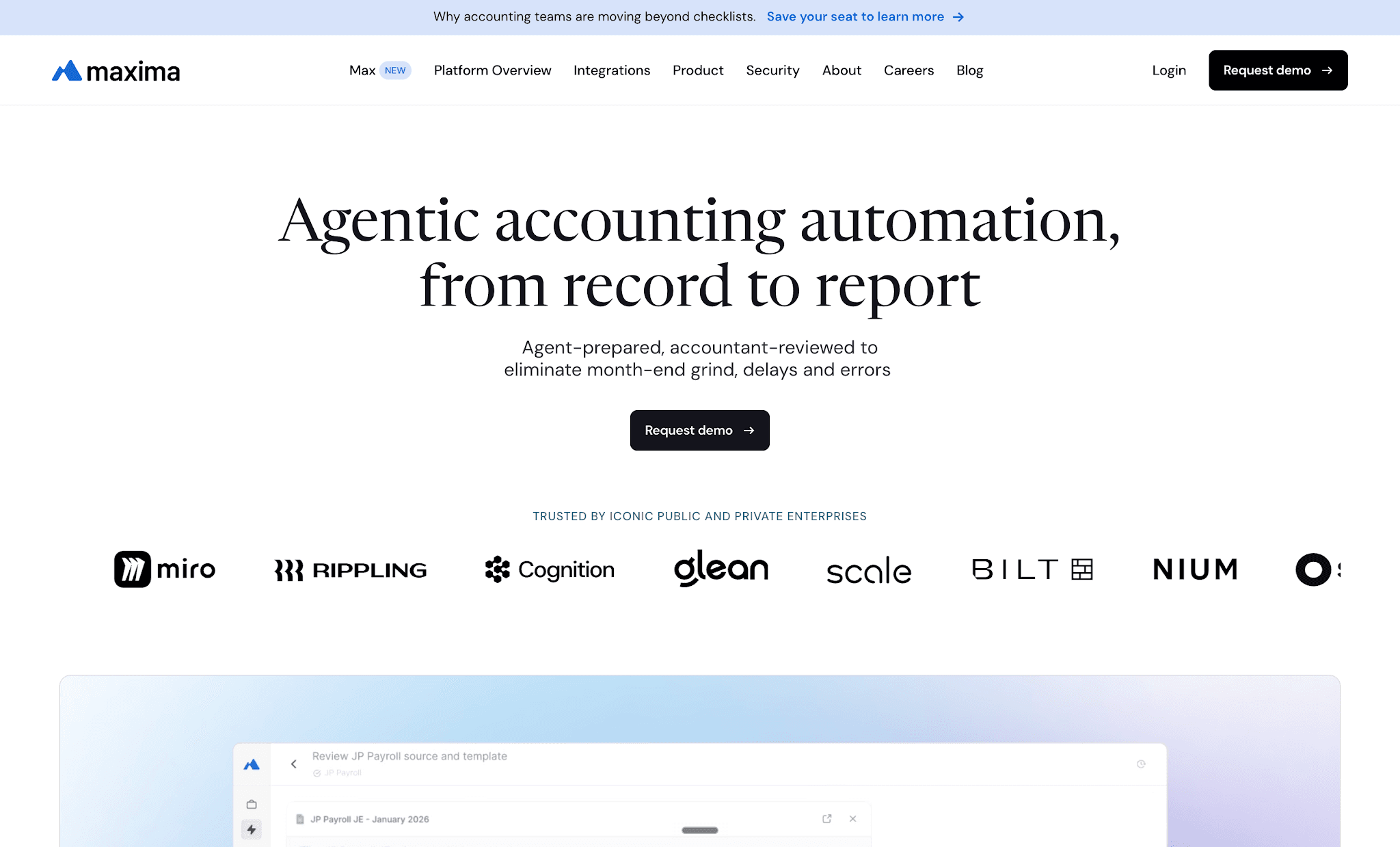
Maxima is an AI-native accounting platform where agents prepare the work instead of assisting with it. Credit card reconciliation sits alongside cash, payroll, deferred revenue, fixed assets, and payment processor reconciliation inside the same transaction matching engine, with journal entry automation and flux analysis on the same data model. Card and source-system activity flows in through 100+ native connectors, agents match transactions and propose reconciling entries, and accountants review and approve before anything posts to the ERP.
Best fit
Controllers and enterprise accounting teams that need card reconciliation as part of broader cash, matching, journal entry, and close work. The right call when the bottleneck is the preparation layer: building the workpaper, matching detail, chasing reconciling items, and assembling reviewer-ready evidence.
What the workflow looks like
Ingest card, bank, and source-system activity continuously through native connectors instead of exporting statements at month-end.
Match at the detail level, including one-to-many and many-to-one deposit matching, carrying unreconciled items forward with lineage.
Review agent-prepared exceptions and proposed reconciling entries rather than building the reconciliation from scratch.
Route finished work through approval before it posts back into the ERP with source-to-GL linking.
Controls, integrations, and scale
Native ERP, bank, and card-program connectivity supports daily reconciliation instead of a monthly scramble.
Transaction-level lineage, attached evidence, and re-performable workpapers give SOX teams something auditors can retest.
Multi-entity and multi-currency support at high transaction volume.
Maker-checker controls and segregation of duties enforced architecturally, so nothing reaches the GL without human approval.
Where it reaches its limit
Maxima is a platform, not a lightweight SMB expense app. If your only need is employee receipt capture and mileage policy, this is more capability than the problem requires. The value shows up when card reconciliation sits inside a larger close problem: cash, accruals, subledgers, intercompany, and flux analysis needing the same preparation layer.
Pricing and implementation notes
Custom, quote-based: a platform fee based on business size plus per-module fees.
Time-to-value is framed around finance-owned deployment in weeks, not a consultant-led multi-quarter build.
Ask how fast your first production card reconciliation goes live, and what auto-match rate to expect on your data.
2. BlackLine
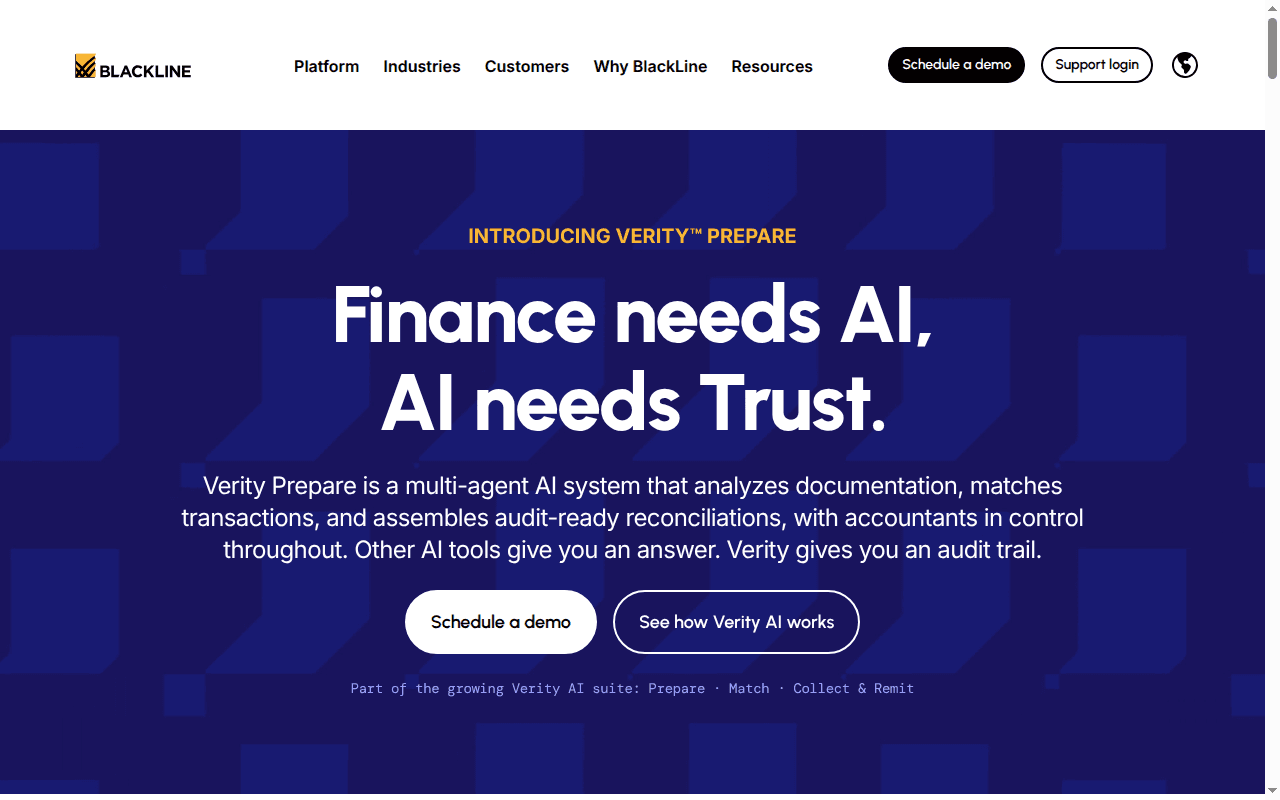
BlackLine is the established enterprise standard for account reconciliations and financial close. Its reconciliation module handles statement and source-data ingestion, transaction matching for detail-heavy accounts, and structured review and substantiation workflows on standardized templates. For card reconciliation, the draw is process consistency across hundreds of accounts and entities, plus the ability to reconcile daily rather than waiting for period end.
Best fit
Large organizations that want a mature reconciliation environment with standardized workflows, configurable templates, and heavy control requirements across many accounts, entities, and preparers.
What the workflow looks like
Ingest card statements and source-system data into a defined reconciliation process.
Run transaction matching on detail-heavy card accounts and route unmatched items into investigation queues.
Prepare reconciliations against templates, attach substantiation, and push them through preparer and reviewer sign-off.
Reconcile daily for accounts where you do not want surprises at month-end.
Controls, integrations, and scale
Configurable templates, dashboards, and a standardized control structure built for large close environments.
Strong fit for enforcing consistency across many entities and shared-service preparers.
Auditability and operational discipline are the core strengths, ahead of lightweight usability.
Broad ERP connectivity, though connector scope and configuration effort should be validated for your stack.
Where it reaches its limit
Expect a traditional enterprise-platform experience: configuration depth, admin ownership, and change management are real considerations compared with newer finance tools. That is the natural tradeoff when a platform optimizes for scale, standardization, and control rather than speed of setup.
Pricing and implementation notes
Quote-based, driven by modules, users, connectors, and scale. Third-party reports put annual contracts from roughly $17,500 to $340,000 and higher.
Implementation depth is often the deciding variable, so scope it before license cost.
Ask about time to onboard card-related reconciliation specifically, not the platform in general.
3. Trintech Adra
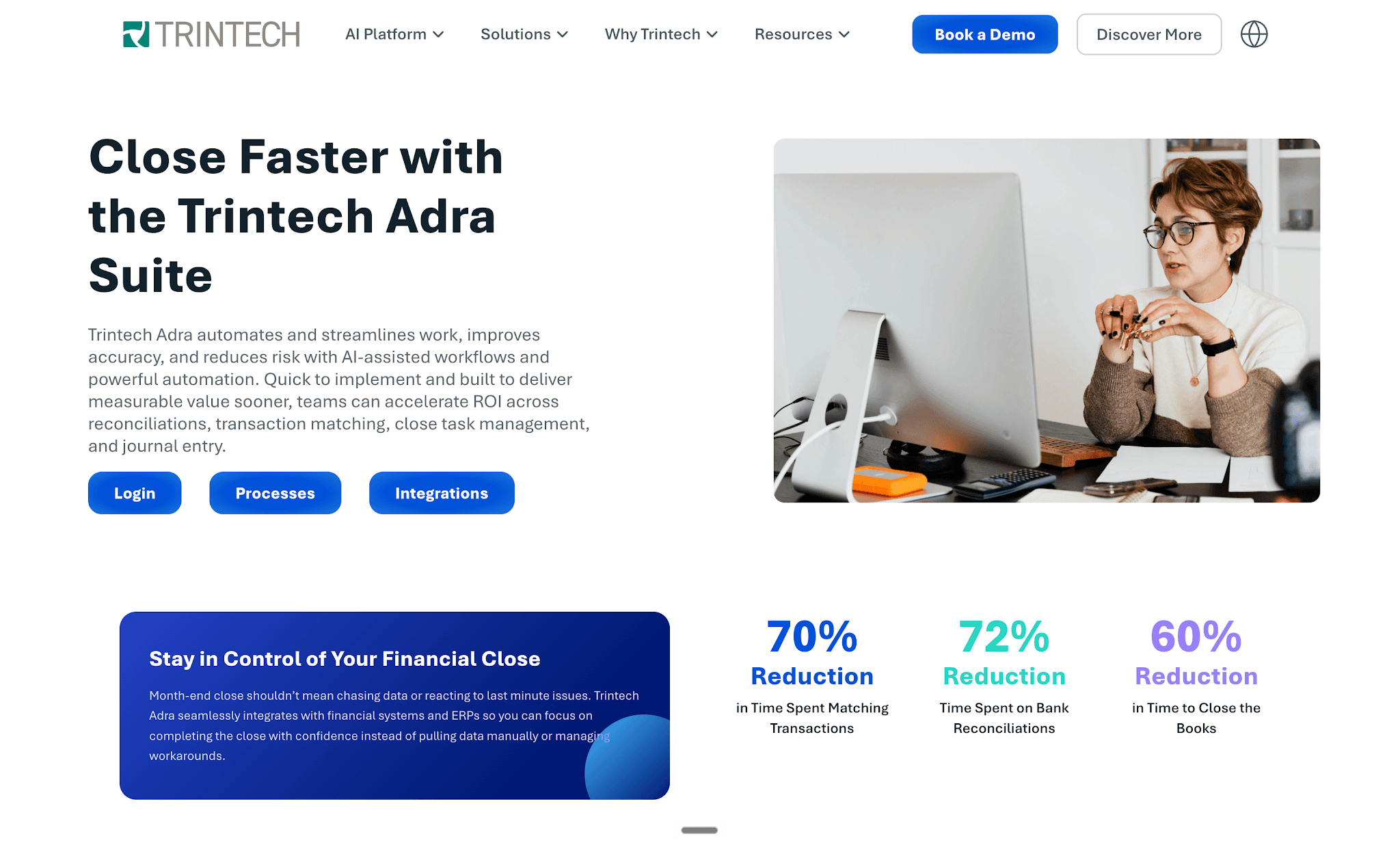
Trintech Adra is the mid-market side of Trintech’s portfolio, aimed at teams that want structured reconciliation without a full enterprise deployment. Adra combines matching, balance reconciliation, task management, and analytics, and Trintech positions it at automating reconciliation of payment processes for teams handling large card and digital transaction volumes. Operational reconciliation work links back to the close rather than living in a separate payments spreadsheet.
Best fit
Finance teams processing large payment and card volumes that want operational reconciliations connected to close tasks, sign-offs, and period-end reporting inside one mid-market suite.
What the workflow looks like
Automate matching across card, digital, and payment flows using volume-tiered matching logic.
Surface errors and discrepancies as they occur so they do not compound into period-end rework.
Route exceptions through configurable approval and sign-off steps with documented resolution.
Tie completed reconciliations into close task tracking so reviewers see status in one place.
Controls, integrations, and scale
Configurable workflows, approvals, and sign-offs for controlled reconciliation operations.
Audit-ready documentation and activity history showing who did what and when.
Detail-level fit for organizations reconciling card and payment operations daily.
Modular structure, so matching and analytics capability depend on which components you license.
Where it reaches its limit
If you are evaluating an AI-first operating model, compare Adra carefully against newer platforms. Its automation is largely rule-based, so humans still prepare the judgment-heavy portions. Adra is strongest for structured operational reconciliation, not broader agentic automation across journal entries, subledgers, and flux analysis.
Pricing and implementation notes
Per-user subscription, with bundled Balancer and Task Manager commonly landing around $55 to $95 per user per month annualized, plus add-ons for Matcher and Analytics.
Confirm whether your use case sits in financial close, operational payments, or both, since that changes module needs.
Verify how much configuration exception logic and workflow routing require before go-live.
4. FloQast
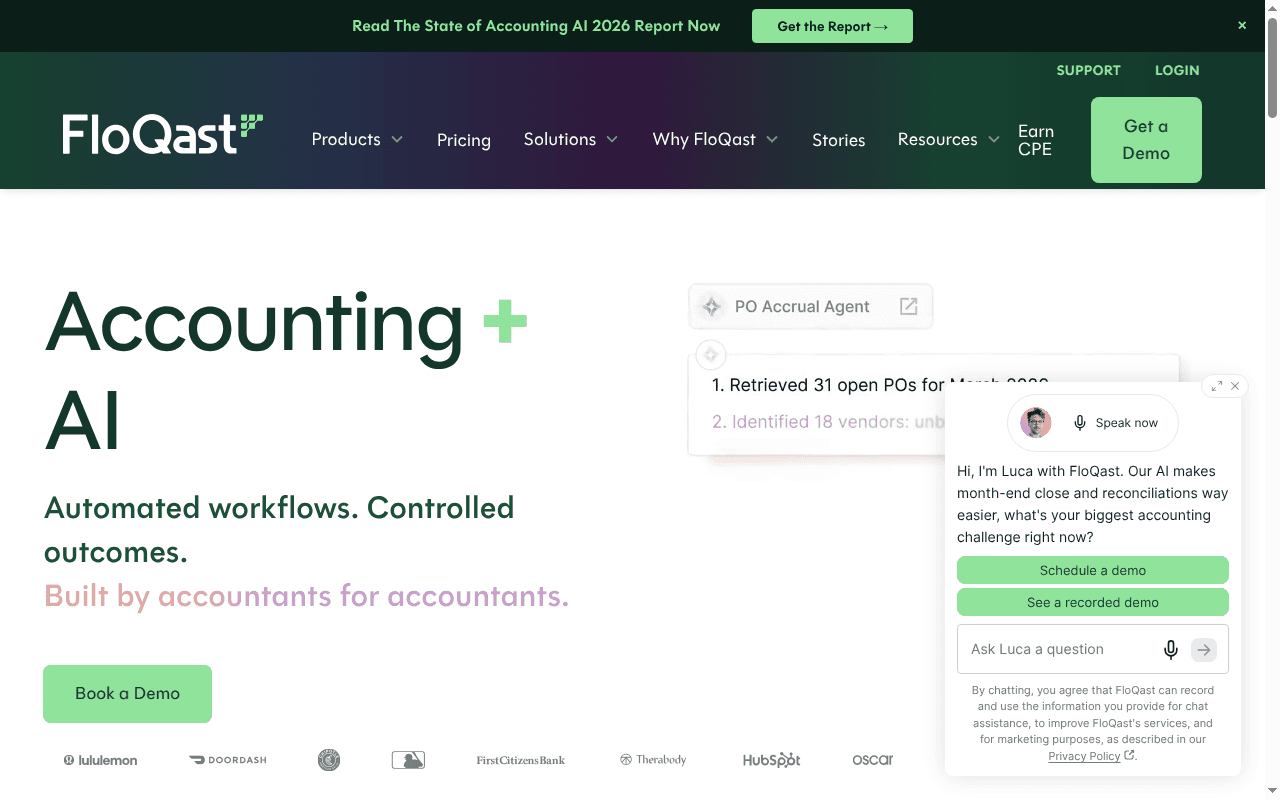
FloQast started as close management and has expanded into reconciliation, matching, and compliance workflows. Card reconciliation lives inside the close checklist, so preparation, review, and sign-off happen where your team already tracks the close calendar. FloQast has added AI transaction matching and automated reconciliation support for higher-volume accounts, with human approval before outputs are accepted.
Best fit
Accounting teams that want card reconciliation tied tightly to close management, checklist visibility, and reviewer workflow in one platform, especially teams standardizing a messy close for the first time.
What the workflow looks like
Reconciliation tasks live inside the close checklist with owners, due dates, and dependencies.
AI transaction matching handles higher-volume card scenarios and surfaces unmatched items.
Preparers work exceptions, then reviewers approve and sign off in the same workflow.
Supporting documentation attaches to the reconciliation and stays linked to the close record.
Controls, integrations, and scale
Audit-oriented positioning with logged decisions and human approval before outputs are accepted.
ERP connectivity plus tie-outs to reconciliation schedules for teams modernizing month-end.
Value compounds when reconciliation is part of a wider close transformation, not a single-account fix.
Strong reviewer visibility across entities, which helps distributed and shared-service teams.
Where it reaches its limit
FloQast is strongest when you also care about close orchestration. If card reconciliation is your only problem, you are buying a broader platform to solve a narrow one. If you need the deepest preparation layer across journal entries, subledgers, and matching, make that an explicit demo test: ask what the tool prepares versus what it tracks.
Pricing and implementation notes
Quote-based. Third-party data shows entry-level deployments near $12,000 per year, median contracts closer to $24,000, and enterprise deployments exceeding $120,000.
Ask how much of your spreadsheet-driven card reconciliation gets replaced versus merely tracked.
Compare rollout speed for reconciliation, matching, and close management together, since bundling changes the timeline.
5. SAP Concur
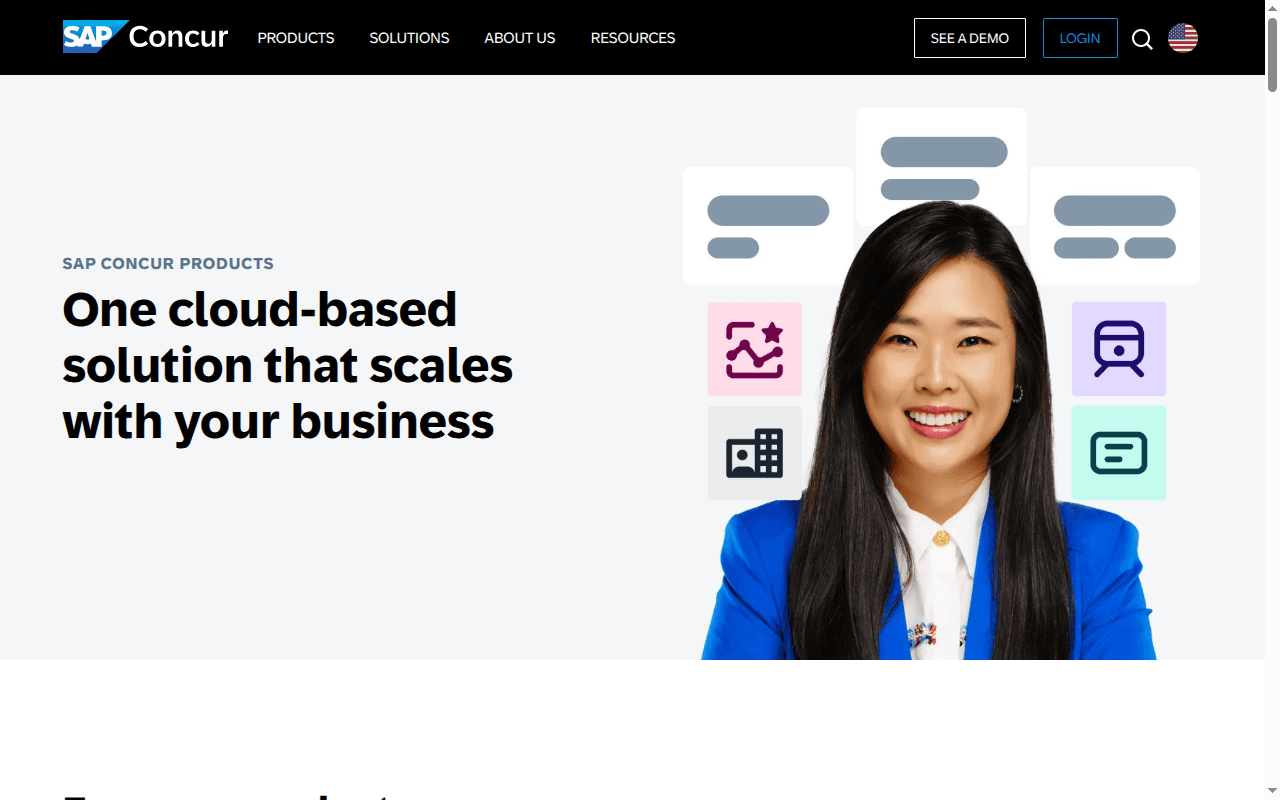
SAP Concur is enterprise travel and expense management, and for many organizations it is the system of record for corporate card activity. Card feeds import automatically, transactions attach to employee expense reports, and policy rules enforce compliance before approval. Concur also supports card payment reconciliation and extract-reconciliation workflows for managing payment status on card programs.
Best fit
Organizations whose card reconciliation problem is mainly a corporate card and employee expense problem tied to T&E policy, spend reporting, and global travel programs, particularly enterprises already standardized on SAP.
What the workflow looks like
Ingest corporate card feeds and automatically add transactions to the right cardholder’s expense report.
Enforce policy at submission, then route reports through approval workflows.
Reconcile card payments and manage payment status through extract-reconciliation processes.
Export accounting entries to the ERP for posting and downstream GL review.
Controls, integrations, and scale
Strong policy enforcement and mature corporate card program support at global scale.
Natural fit for enterprises already running Concur for T&E and SAP for financials.
Automated approval workflows and accounting integrations reduce manual routing.
Ecosystem alignment with SAP is a legitimate part of the buying decision.
Where it reaches its limit
Concur is not designed to be the deepest answer to GL-side reconciliation; its center of gravity is cardholder activity and expense administration. If your real issue is multi-system matching, reconciling entries, or close-ready substantiation, you will still need an accounting automation layer behind it. Many teams run both.
Pricing and implementation notes
Usage-based per expense report, with a Base tier around $7 per report and Plus around $11. Premium is quoted inside broader SAP buying cycles.
Ask how much manual work remains after card transactions land in expense reports.
Scope admin overhead for policy setup, card feeds, and accounting extract configuration.
6. Expensify
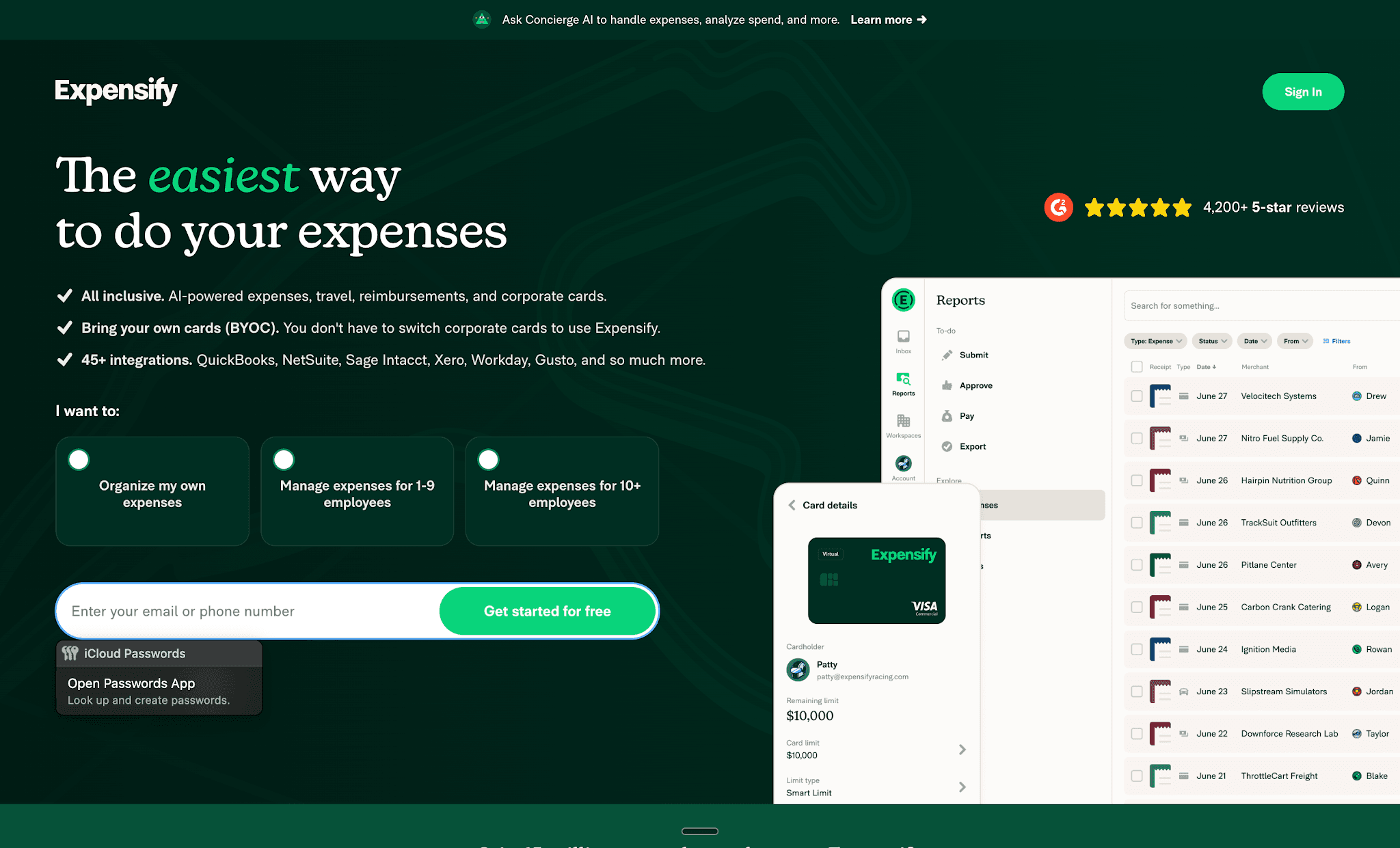
Expensify is the lighter-weight option here, built around fast spend capture and low-friction employee adoption. Imported company card transactions flow into a reconciliation dashboard, SmartScan matches receipts automatically, and rule-based coding applies categories and GL accounts before review. Expensify supports over 10,000 global bank connections and integrates with QuickBooks and NetSuite.
Best fit
Smaller and mid-sized teams that want corporate card reconciliation, receipt capture, and expense coding in one lightweight workflow employees will actually use without training sessions.
What the workflow looks like
Import company card transactions automatically into a reconciliation dashboard with real-time spend visibility.
Match receipts to transactions with SmartScan instead of manually pairing line items.
Apply rule-based coding for categories, GL accounts, and dimensions before review.
Approve and export coded expenses to the accounting system for posting.
Controls, integrations, and scale
Usability and employee adoption are the real decision factors, and Expensify’s strength.
Over 10,000 global bank connections plus QuickBooks and NetSuite integrations cover most SMB to mid-market stacks.
Customizable reports support basic auditing and spend review.
Better suited to card-expense discipline than deep, multi-entity close automation.
Where it reaches its limit
Expensify is not an enterprise reconciliation control tower and does not pretend to be. If your bottleneck is transaction-level GL matching, reconciling items across systems, or SOX-heavy close evidence, that work still happens outside the tool. Draw that boundary before you buy.
Pricing and implementation notes
Free individual tier, Collect at $5 per member per month with no annual commitment, and Control from $9 to $18 per active member per month depending on annual subscription and card usage, or $36 pay-per-use.
Ask what card-program support, integrations, and approval rules are included in your specific plan.
Estimate how much reconciliation still happens in spreadsheets or the ERP after implementation.
FAQs buyers ask before choosing credit card reconciliation software
Is credit card reconciliation software the same thing as expense management software?
No. Expense management focuses on policy compliance and spend controls: capturing receipts, coding transactions, enforcing rules, routing approvals. Reconciliation software focuses on matching card transactions to ledger records so the balance is provable, handling exceptions, reconciling items, evidence, and reviewer sign-off. Many teams need both; the mistake is assuming one covers the other.
Can you handle credit card reconciliation in Excel or inside your ERP?
Yes, at low volume. At 200 card transactions a month across two entities, a well-built spreadsheet and a disciplined reviewer will get you there. It breaks as volume rises: exception aging becomes invisible, support documents scatter across inboxes, and audit evidence has to be reassembled after the fact. An ERP alone handles simple card programs but has no exception queue or reviewer workflow, and expense software covers employee spend capture while leaving GL-side matching manual. Reconciliation automation is the layer built for mid-market and enterprise volume, with evidence attached, immutable, and re-performable.
How often should you reconcile corporate card activity?
Set frequency by risk and volume, not habit. Monthly reconciliation exists because statements arrive monthly, not because it is the right control cadence.
Daily: high-volume programs, merchant and processor settlements, or any account with fraud exposure.
Weekly: active mid-market card programs with dozens of cardholders and steady spend.
Monthly: only when both volume and risk are genuinely low.
What matters most if you are in a SOX environment?
Reviewer approvals with real segregation of duties between preparer and approver.
Evidence attached to the reconciliation itself, not stored in someone’s desktop folder.
A clear audit trail from source transaction through adjustment to sign-off.
Exception workflows that make ownership of unresolved items obvious.
If you also handle cardholder data, confirm the vendor’s PCI-DSS posture alongside your SOX requirements.
Do you need separate software for merchant card reconciliation?
Sometimes. Merchant reconciliation involves settlement batches, processor fees, chargebacks, and many-to-one deposit matching, which expense tools do not handle. Look for a platform supporting payment processor reconciliation and batch deposit matching natively, or you will end up with two processes and one shared spreadsheet.
How long does implementation take?
Expect weeks for modern, finance-owned platforms and months for legacy enterprise suites. The variable is rarely the software. It is connector coverage for your ERP, bank, and card program, plus how much exception logic needs codifying before go-live.
Best practices for automated credit card reconciliation
Software solves the tooling problem. These practices determine whether the process holds up month after month:
Set cadence by risk, not habit. Reconcile daily for high-volume or fraud-exposed accounts, weekly for active card programs, and monthly only when volume and risk are both low. Real-time ingestion makes daily cadence practical instead of aspirational. For the cash side of the same discipline, see bank reconciliation software.
Assign clear ownership. Every card account needs a named preparer and a named reviewer. Exception queues without owners age into close-week emergencies that nobody budgeted time for.
Standardize coding rules upfront. GL account mapping, cost center logic, and dimension rules should be configured in the platform before go-live, not left to individual preparer judgment that drifts over time.
Age exceptions actively. Review open items weekly, not at period end. Platforms with exception aging dashboards surface this automatically. Spreadsheets do not, which is why exceptions compound quietly until close week.
Keep evidence inside the reconciliation. Attachments, approvals, and adjustment notes belong in the platform record, not in a shared drive folder that disappears before the next audit. If an auditor cannot find it in the tool, it effectively does not exist.
Choosing the right credit card reconciliation software for your team
The best credit card reconciliation software fixes the part of your process that actually breaks. Expense-led tools fix submission. Reconciliation-led platforms fix matching, exceptions, and audit evidence. Match the tool to the bottleneck, then pressure-test auto-match rates and reviewer workflow in the demo with your own data.
Pick this if…
You need enterprise-grade, close-ready reconciliation with agent-prepared work: Maxima, especially when card reconciliation sits alongside cash, payroll, and subledger workflows.
You need control-heavy enterprise standardization: BlackLine or Trintech Adra.
You need modern, close-centric reconciliation with fast rollout: Maxima or FloQast.
You need an expense-led corporate card program: SAP Concur for global T&E, Expensify for lighter-weight teams.

Move closer to an audit-ready, continuous close

Request demo
Insights, news and content
The latest
See all